Articles
Practical guides on working with PDF files.
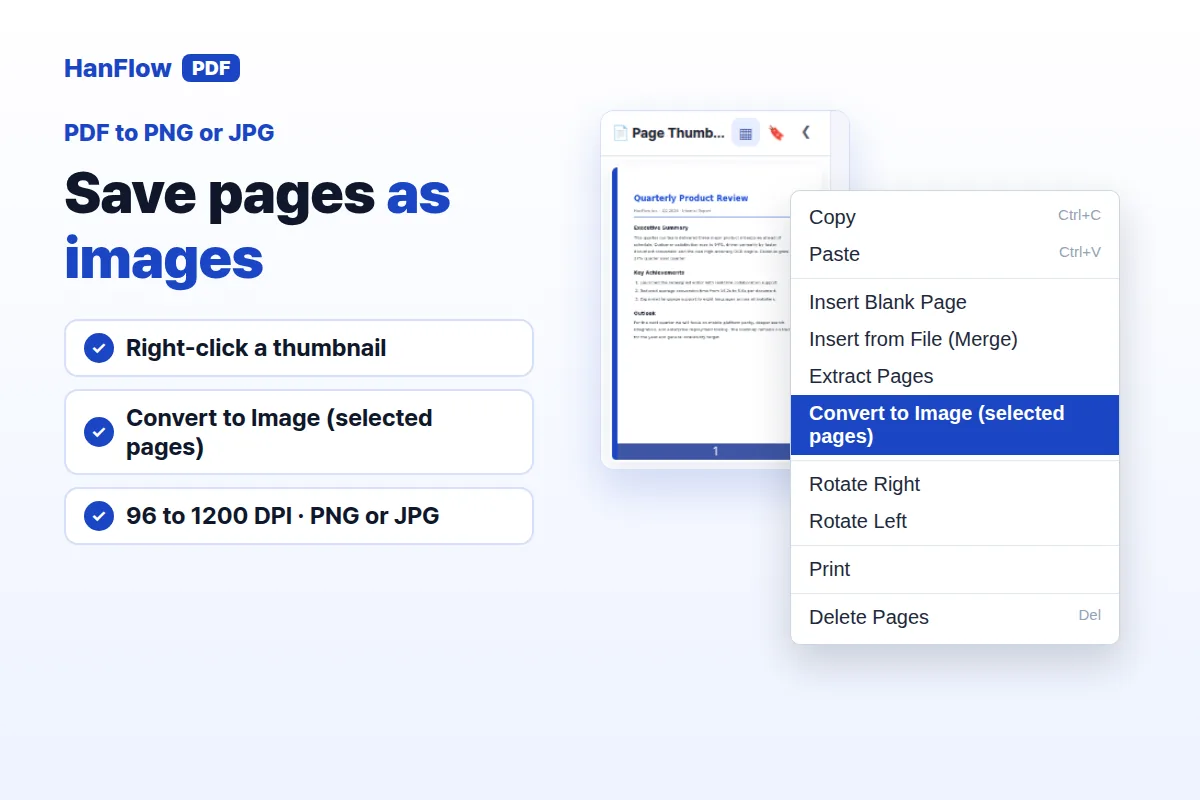 How to Convert PDF to PNG or JPG ImagesLearn how to convert PDF pages to PNG or JPG images in HanFlow PDF — right-click a thumbnail or use the Convert menu, pick resolution and format, and save.
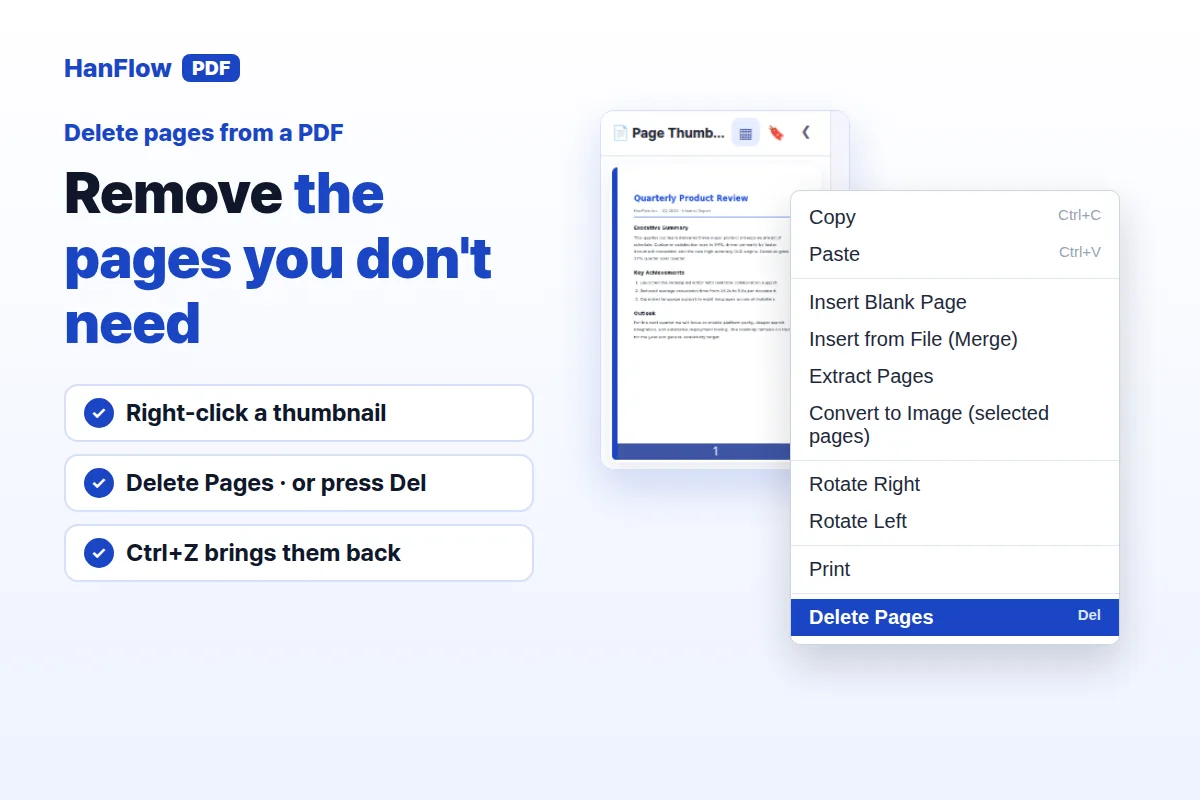 How to Delete Pages From a PDFLearn how to delete pages from a PDF — right-click a thumbnail in HanFlow PDF, choose Delete Pages or press Del, and save. Remove one page or many at once.
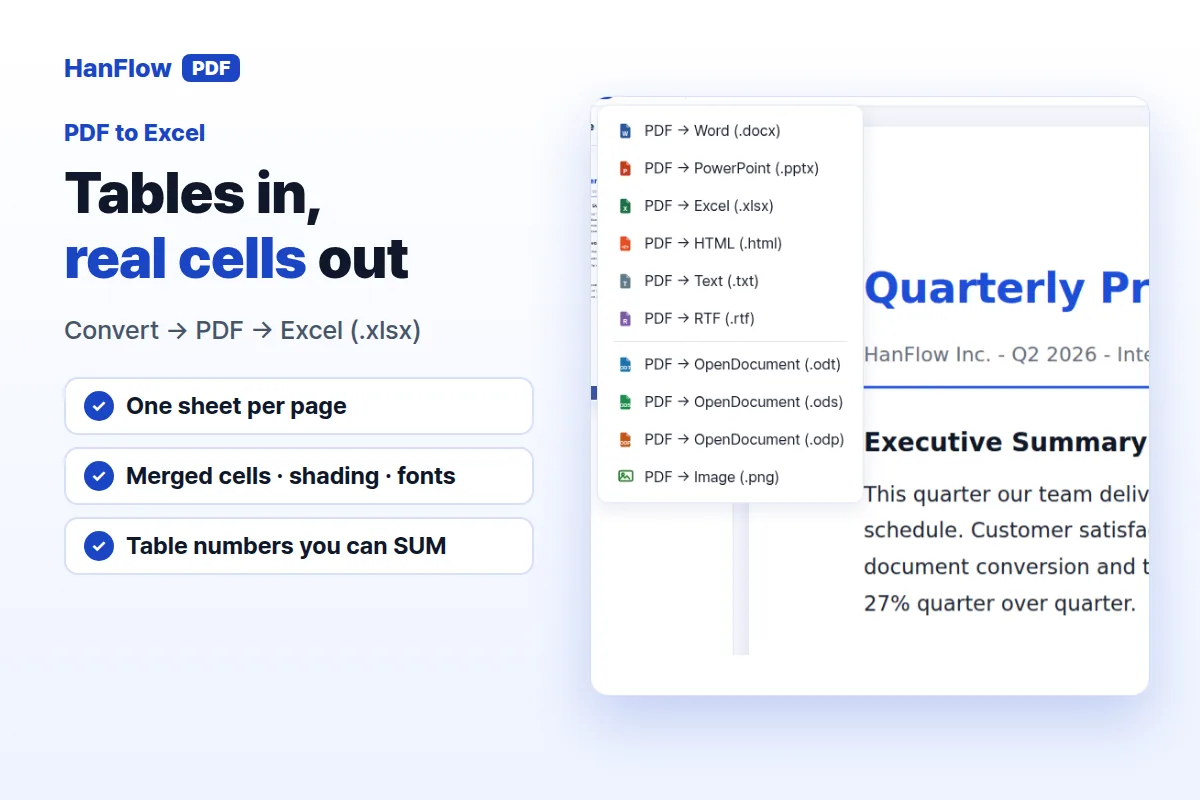 How to Convert a PDF to Excel (and Keep Tables as Real Cells)Learn how to convert a PDF to Excel and keep tables as real, editable cells with formatting intact in HanFlow PDF.
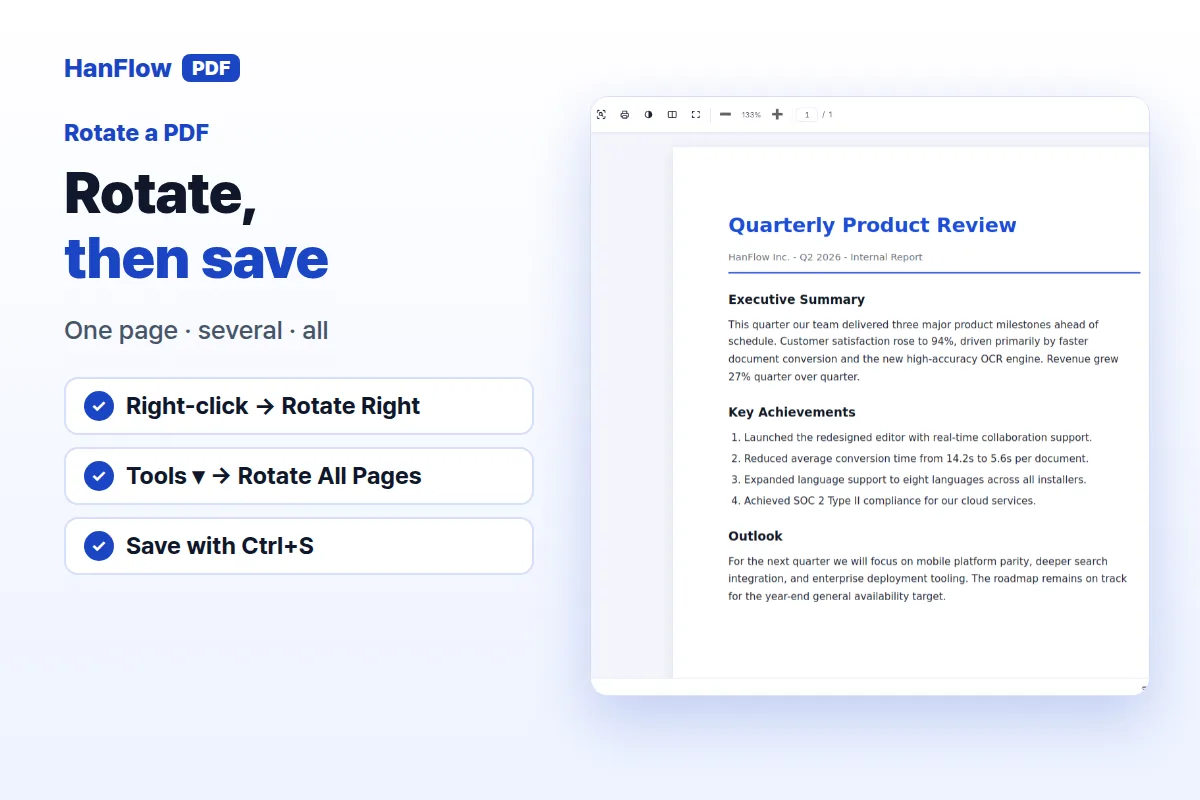 How to Rotate a PDF and Save It (One Page, Several, or All)Learn how to rotate pages in a PDF and save the result. Rotate one page, several, or every page at once in HanFlow PDF, then save to keep the change.
 Invite a Friend to HanFlow PDF and Get 30 More Trial DaysOpen Tools ▸ Invite friends in HanFlow PDF, share your code, and you and your friend each get 30 more trial days (up to 90 for you).
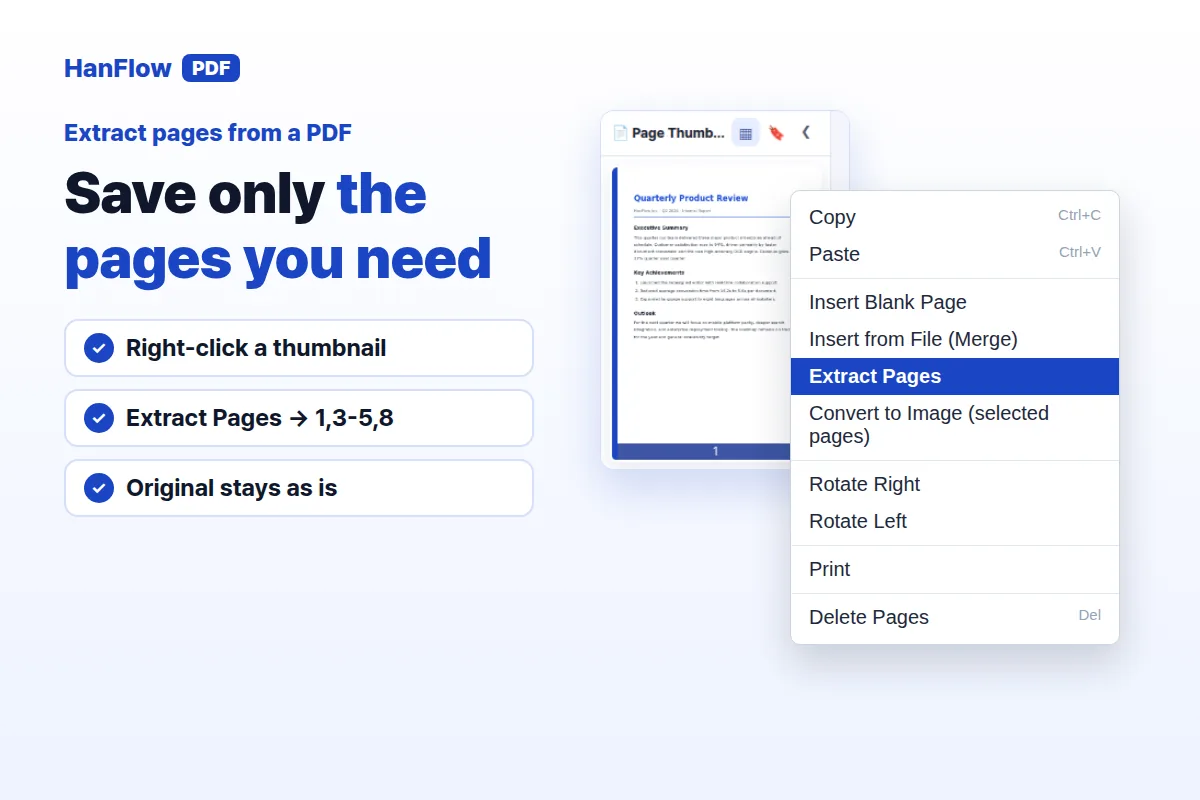 How to Extract Pages From a PDF (and Split It Into Parts)Learn how to extract specific pages from a PDF — right-click a thumbnail, type a page range like 1,3-5,8, and save certain pages as a new file.
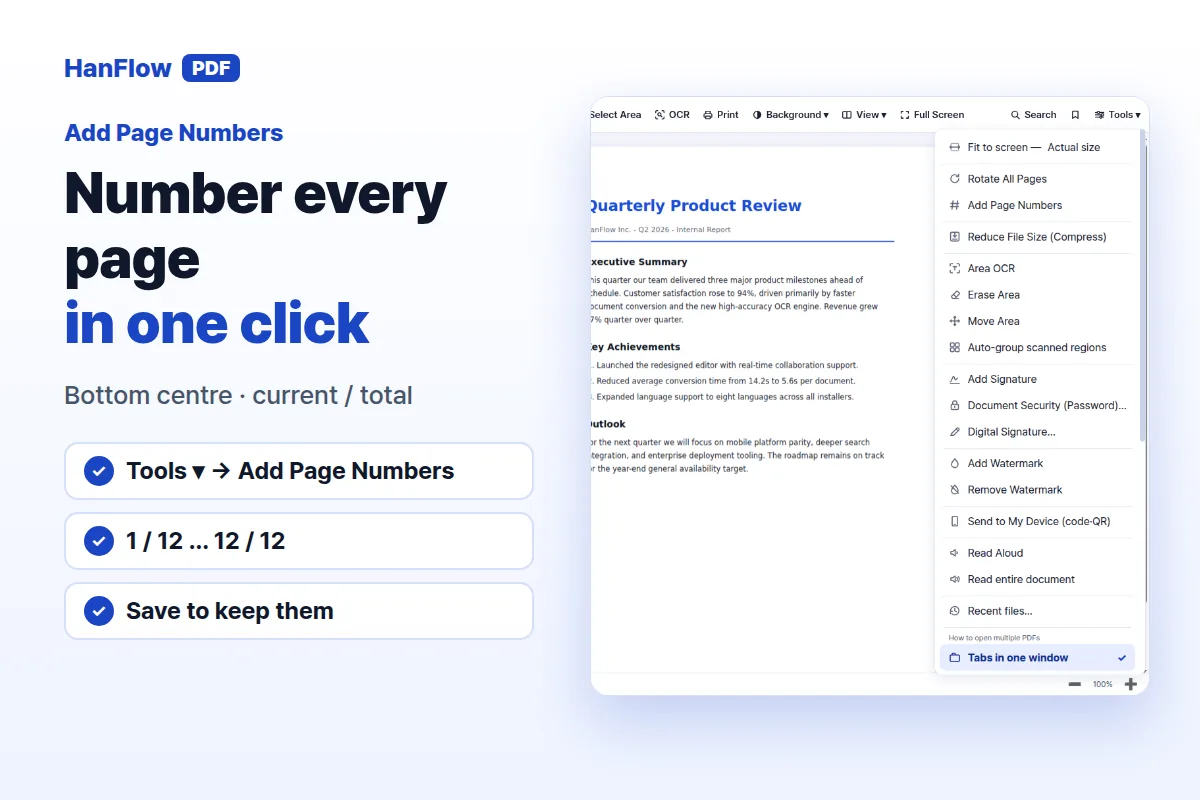 How to Add Page Numbers to a PDF (1 / 12 on Every Page)Learn how to add page numbers to a PDF — click one menu and every page gets a number at the bottom centre in "current / total" format.
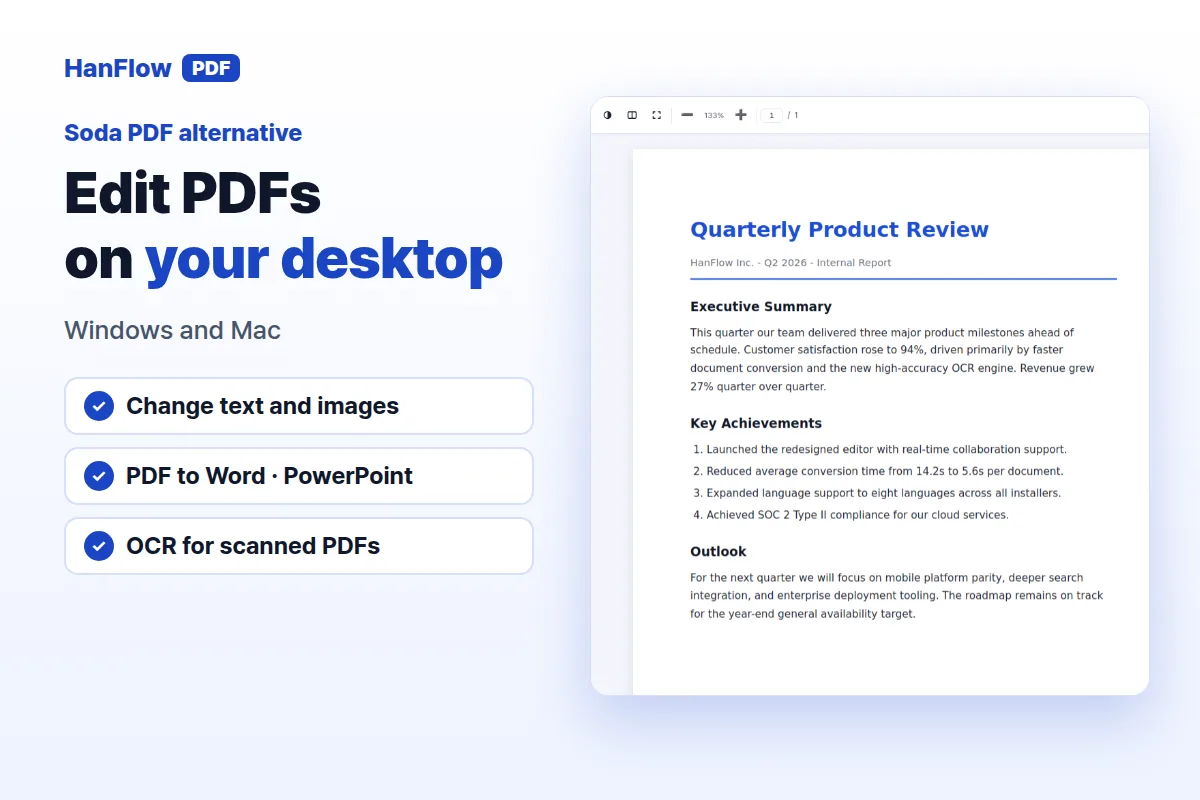 Soda PDF Alternative: A Perpetual Desktop License for Windows and MacCompare Soda PDF's subscription plans with HanFlow PDF's perpetual desktop license for Windows and Mac.
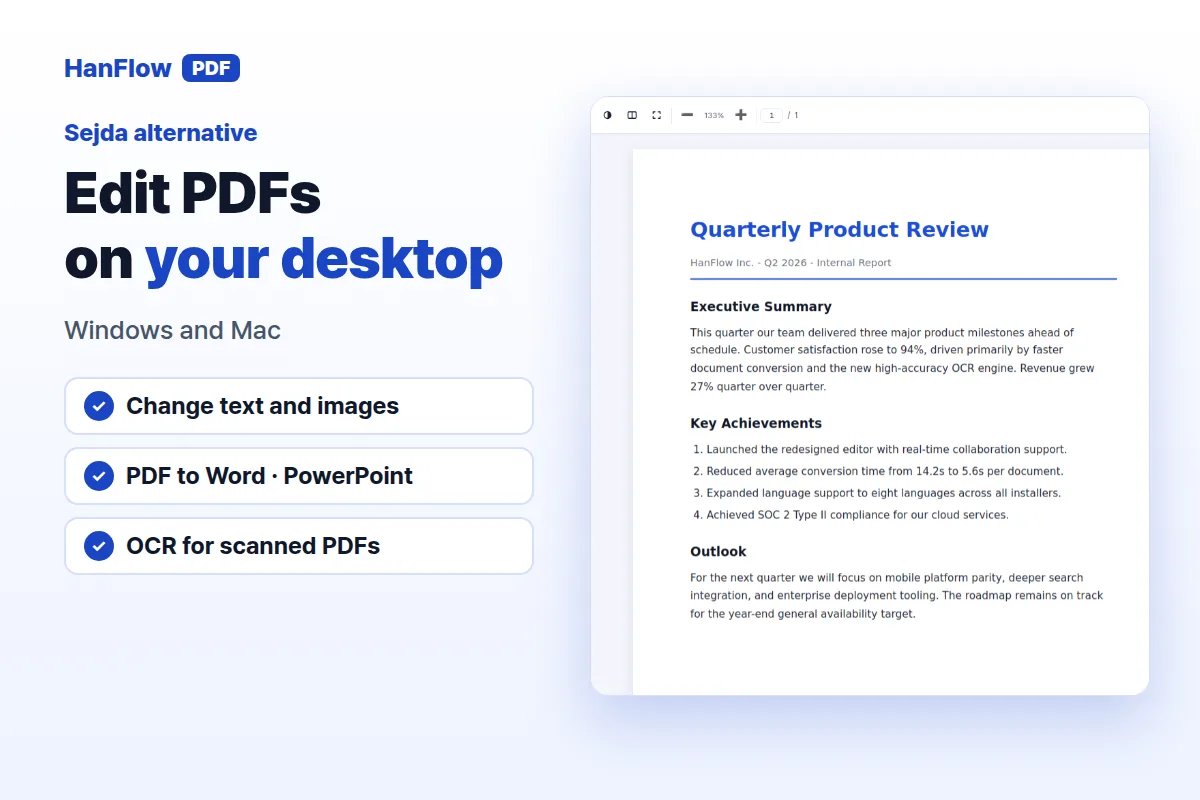 Sejda Alternative: A Desktop PDF Editor You Buy OnceCompare Sejda's subscription plans with HanFlow PDF's perpetual desktop license for Windows and Mac.
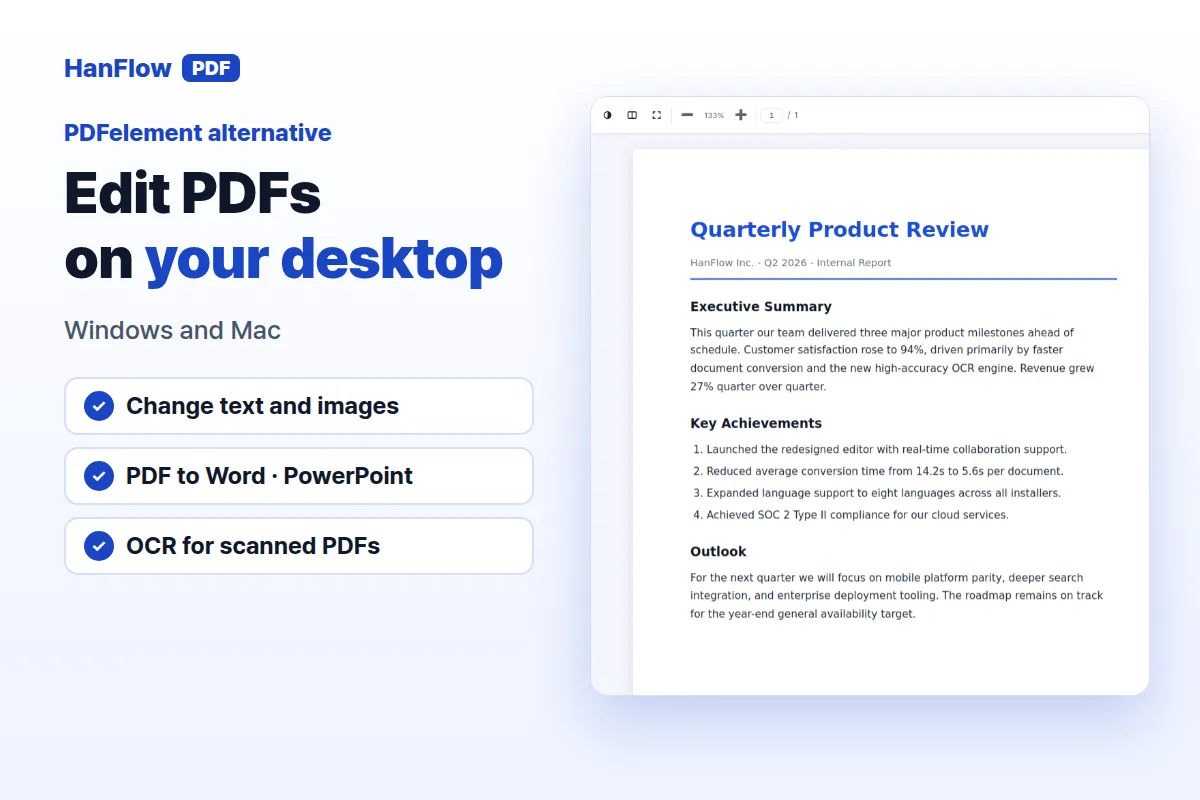 PDFelement Alternative: A Simpler Desktop PDF EditorLooking for a PDFelement alternative? What PDFelement offers today, and how HanFlow PDF compares as a simpler desktop editor with a perpetual license.