Soda PDF Alternative: A Perpetual Desktop License for Windows and Mac
Soda PDF is a full-featured PDF toolkit with desktop and web access, AI tools, and e-signatures. Every plan, however, is a subscription—there is no perpetual license option. If you prefer to pay once for a desktop editor, here is how HanFlow PDF compares.
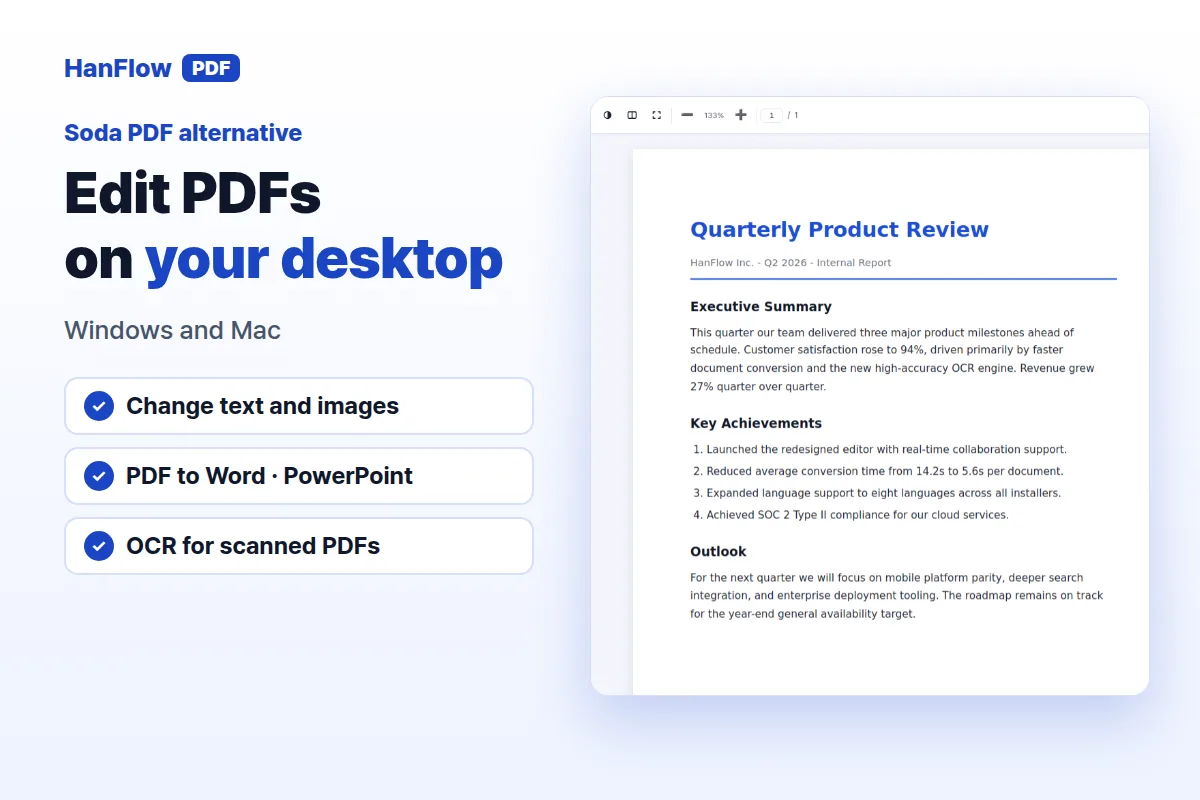
What Soda PDF offers
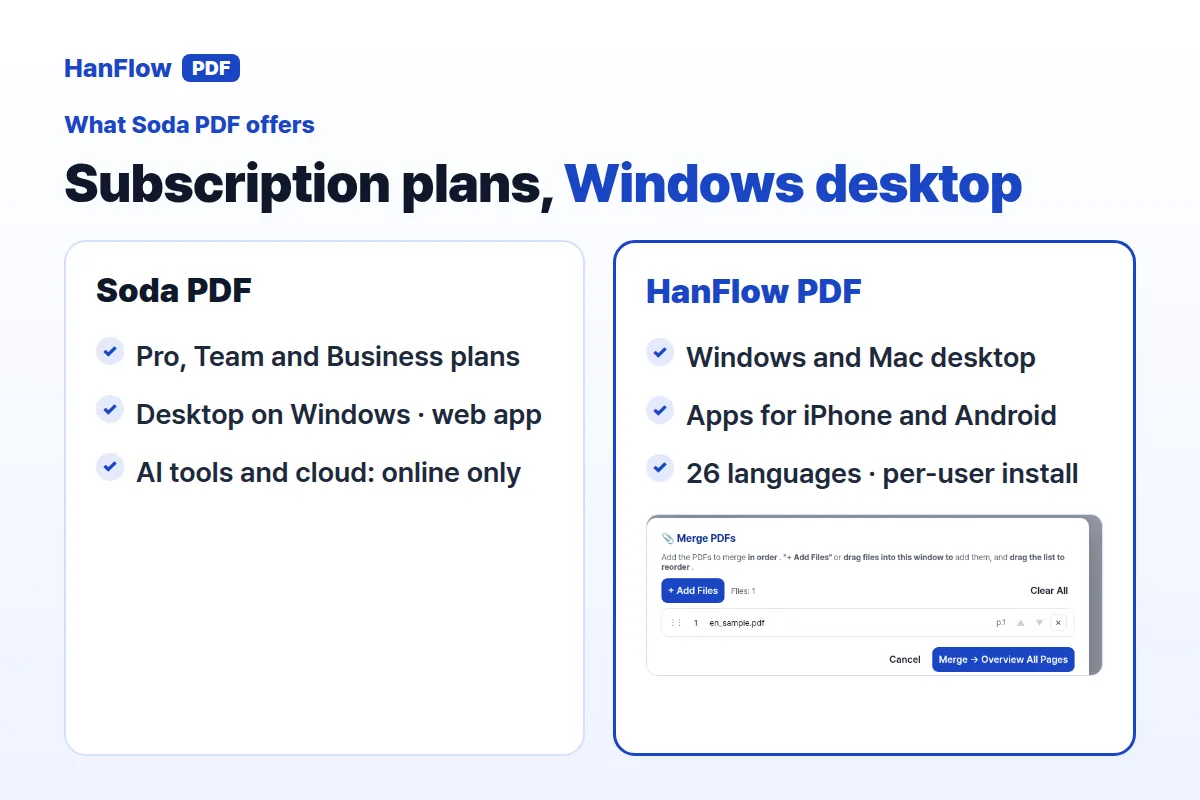
Soda PDF is available on Windows desktop and across any browser. The web app can be used on Mac, Linux, and on iOS or Android smartphones. Features cover viewing, converting files between PDF and formats like Word, Excel, PowerPoint, TXT, HTML, PDF/A, and images, plus editing, page insertion and extraction, commenting, security with passwords and permissions, forms, batch processing, OCR, and e-signatures with sending and tracking.
Online-only features include AI tools such as chatting with a PDF and summarizing, a translation allowance per year, and cloud storage.
Three plans are listed: Pro, Team for three to nineteen licenses with a per-license discount, and Business with self-serve plan management, deployment options including MSI, GPO, SCCM, and Citrix, and phone support. Soda PDF does not offer a perpetual license—all plans are subscriptions, and updates are included for the duration of your plan (Soda PDF pricing page, checked November 2026).
What HanFlow PDF includes
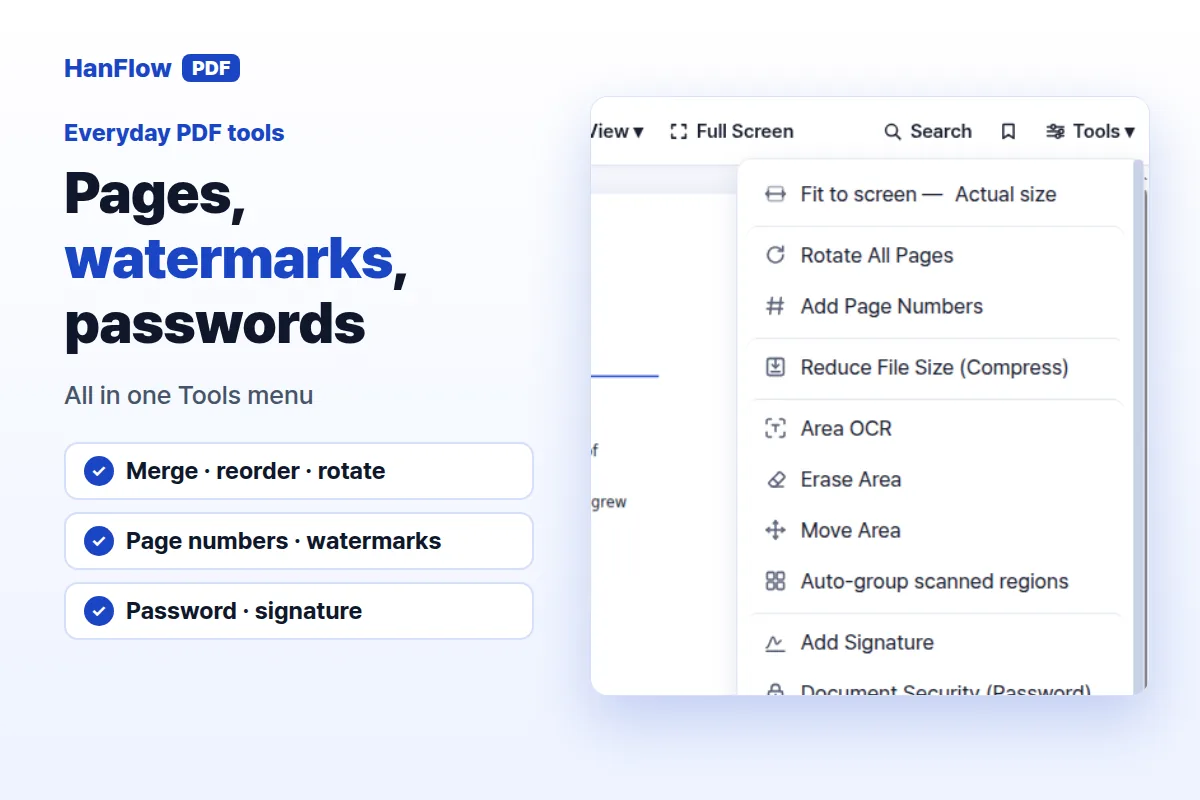
HanFlow PDF is a PDF program for Windows, Mac, Android, and iPhone, with a web app as well. It lets you edit text and images, erase parts of a page, convert PDF to Word and PowerPoint, turn images into PDF and back, and export pages as images. OCR handles scanned documents. You can merge, reorder, and rotate pages, add page numbers and watermarks, highlight and comment, draw with a pen, protect files with a password, and sign.
The interface supports 26 languages. On Windows, HanFlow PDF installs per user, so most PCs do not require administrator rights.
Subscription only, or pay once
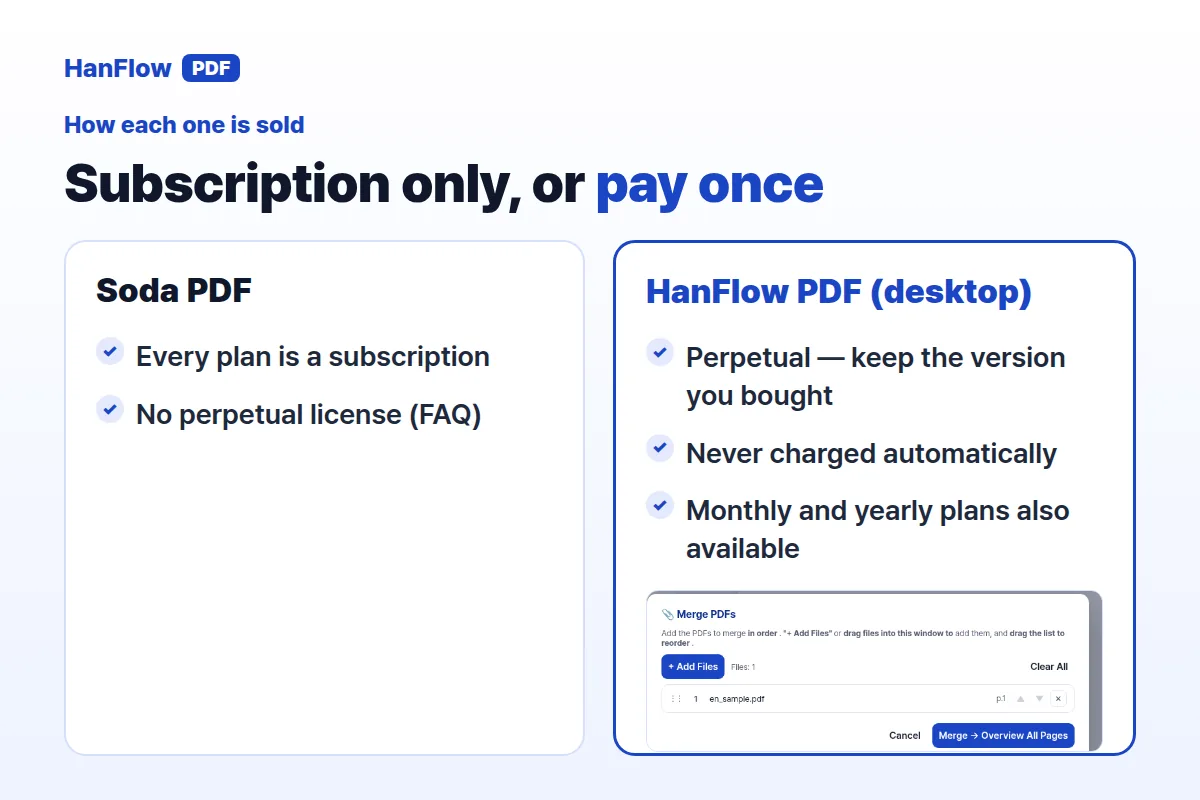
Every Soda PDF plan is a subscription; the FAQ says there is no perpetual license. Updates are included in the subscription, along with the online AI tools, translation and cloud storage (Soda PDF pricing page, checked November 2026).
HanFlow PDF takes a different approach on the desktop side. The Windows and Mac program is sold as a perpetual license: pay once for the version you buy, use it with no time limit, and you are never charged automatically. Monthly and yearly plans also exist. iPhone and Android apps are sold as in-app subscriptions; the perpetual license applies to the desktop program only.
For current pricing and the trial, visit the HanFlow PDF pricing page.
How to choose
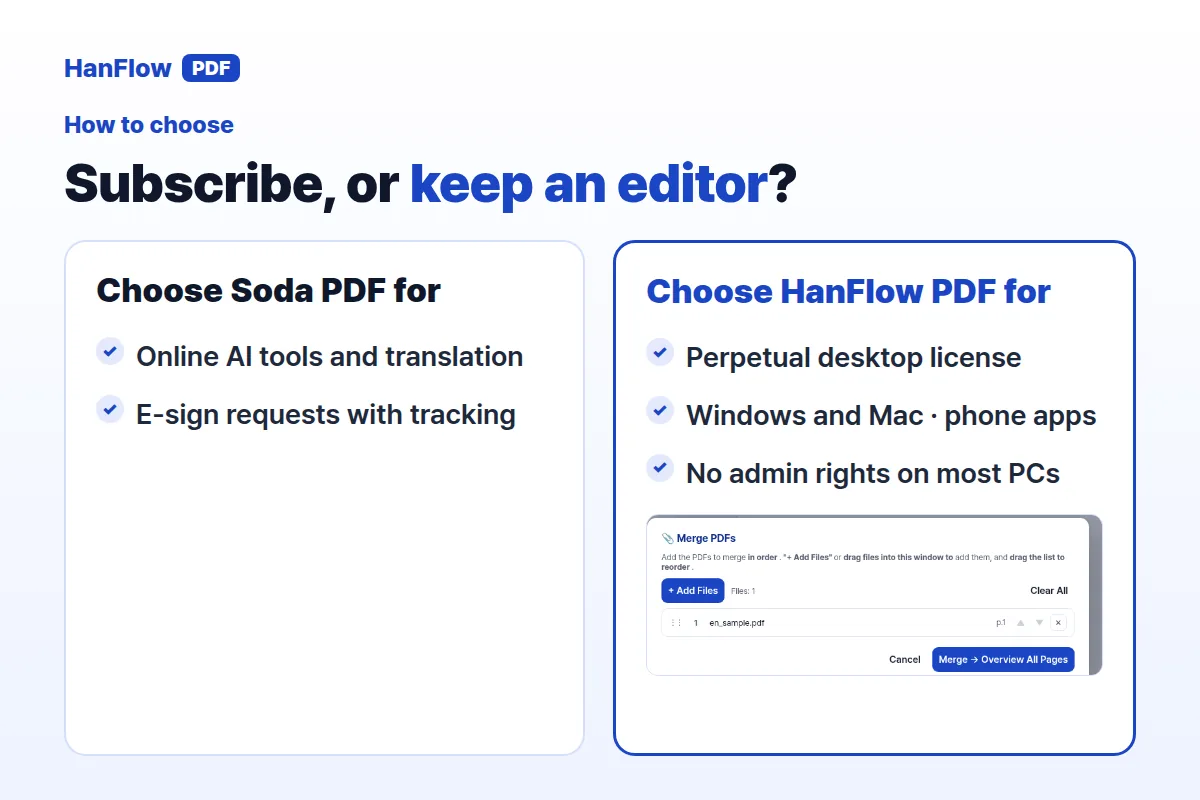
Pick Soda PDF if you rely on browser-based AI features like chat and summarize, need e-signatures with tracking, or prefer a subscription that always includes the latest updates.
Choose HanFlow PDF's perpetual license if you want a desktop editor for Windows or Mac that you buy once and keep—no recurring charges, no automatic renewal. If you also need mobile access, HanFlow PDF's iPhone and Android apps are available as separate subscriptions.
Frequently Asked Questions
Does Soda PDF offer a perpetual license?
No. Soda PDF's FAQ says that it does not offer a perpetual license. All solutions are available through subscription plans only (Soda PDF pricing page, checked November 2026).
Can I use Soda PDF on a Mac?
The pricing page lists the desktop app for Windows. The Soda PDF web app can be used on Mac and Linux and on iOS or Android smartphones (Soda PDF pricing page, checked November 2026).
Can I try HanFlow PDF before buying?
Yes, a trial is available. For details on the trial and current pricing, see the pricing page.