Articles
Practical guides on working with PDF files.
 PDF-XChange Editor Alternative for Mac and MobileNeed PDF-XChange Editor on Mac? HanFlow PDF works on Windows, Mac, iPhone, and Android.
 Nitro PDF Alternative: Why a Perpetual License Might Be What You NeedCompare Nitro PDF and HanFlow PDF — subscriptions, three-year plans, and perpetual licenses for desktop PDF editing.
 Foxit PDF Editor Alternative: A Lighter Desktop PDF EditorLooking for a Foxit PDF Editor alternative? What Foxit offers today, and how HanFlow PDF compares as a lighter desktop editor with a perpetual license.
 Smallpdf Alternative With a Desktop LicenseLooking for a Smallpdf alternative you can buy once? What Smallpdf offers today, and how HanFlow PDF's perpetual desktop license and free tools compare.
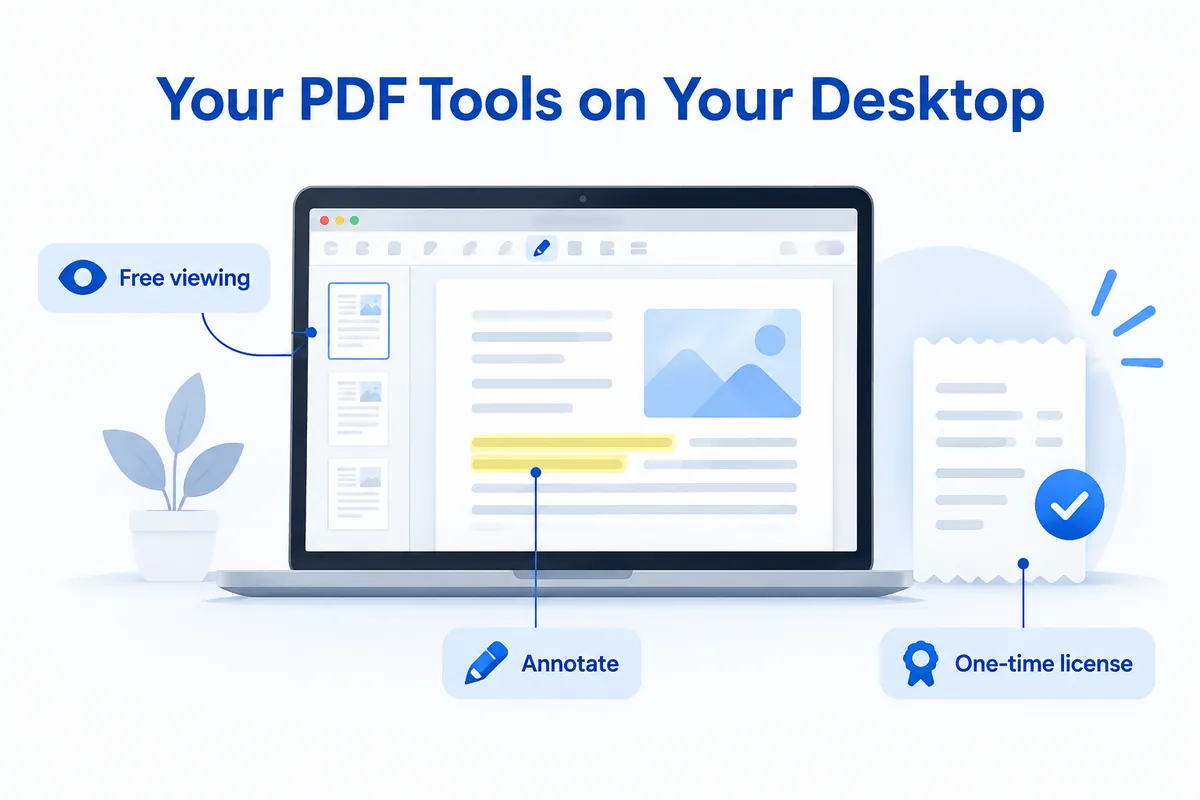 iLovePDF Alternative With a Free Desktop AppLooking for an iLovePDF alternative with free desktop tools? What iLovePDF offers today, and how HanFlow PDF's free tools and perpetual license compare.
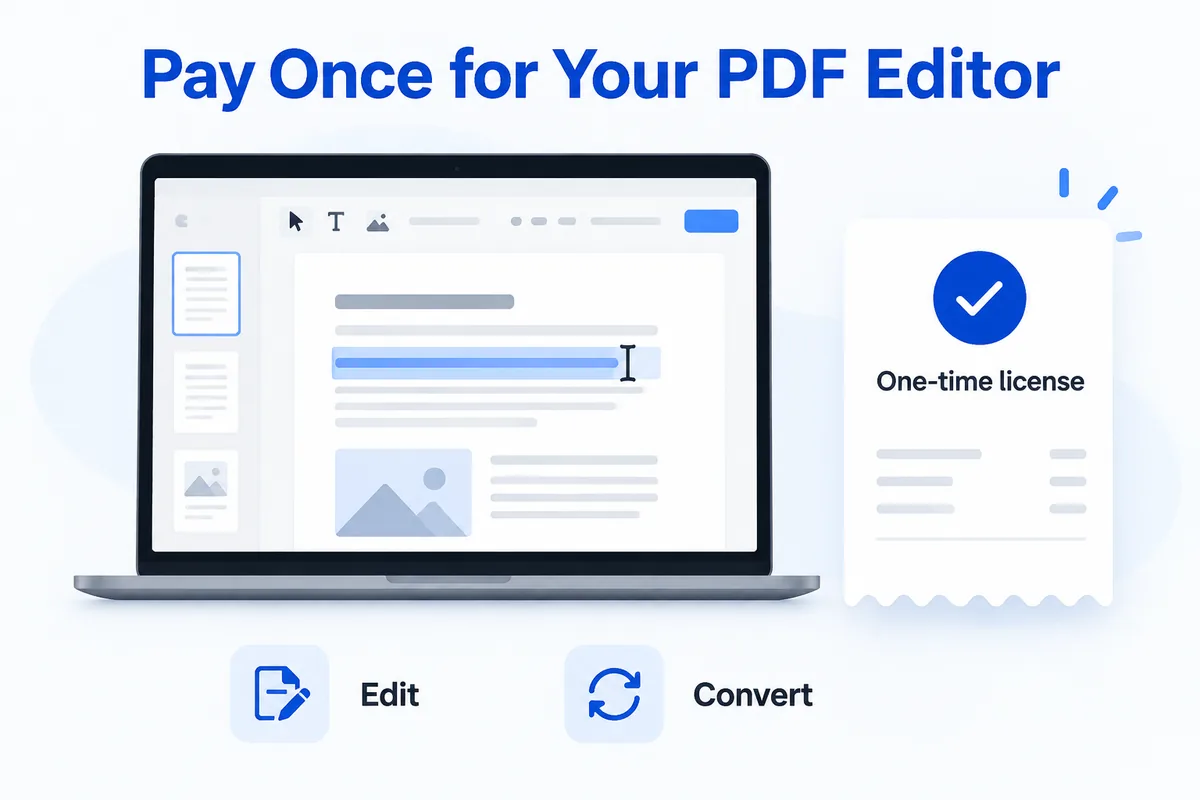 Adobe Acrobat Alternative Without a SubscriptionWant an Adobe Acrobat alternative you can buy once? What Acrobat offers today, and how HanFlow PDF's perpetual desktop license and free tools compare.
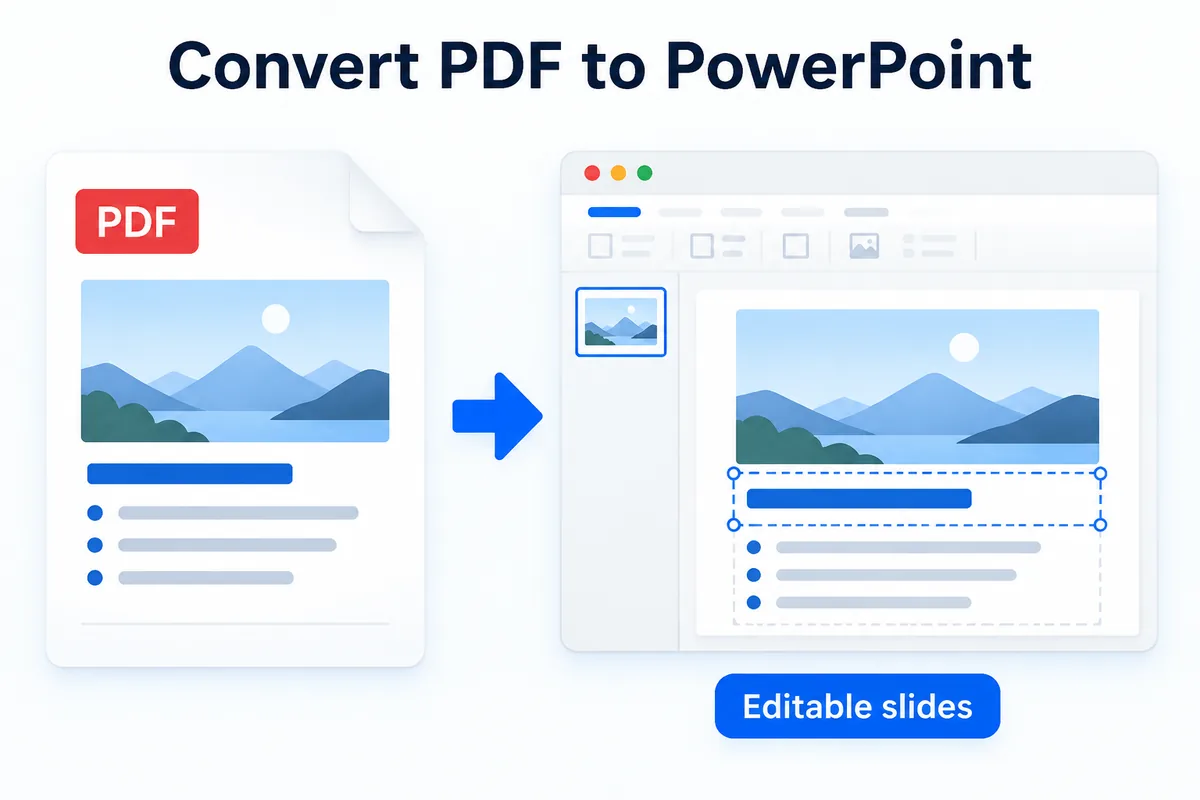 Convert PDF to PowerPoint on Windows and Keep Slides EditableLearn how to convert PDF to PowerPoint as an editable .pptx — scanned pages included — and what to check before you present the converted deck.
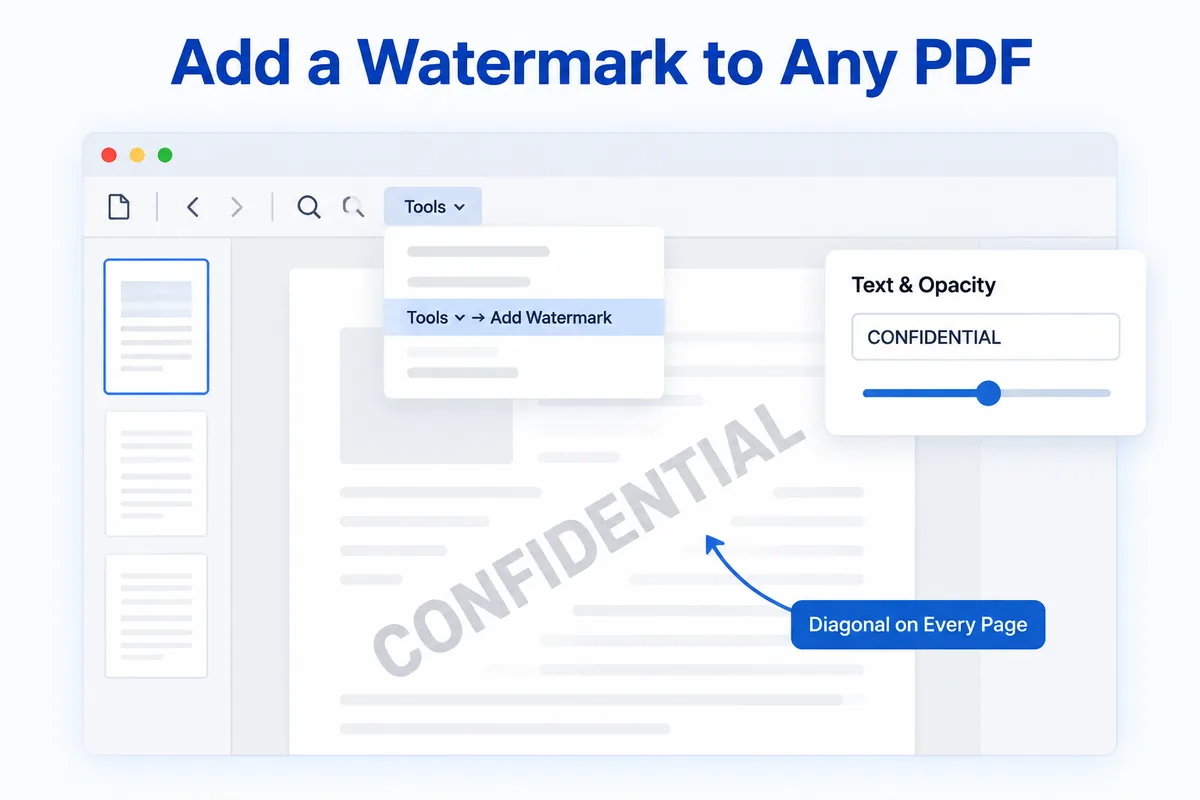 How to Add a Watermark to a PDF (CONFIDENTIAL, DRAFT, SAMPLE)Learn how to add a watermark to a PDF — type CONFIDENTIAL, DRAFT or any word, set the opacity, and it appears diagonally on every page.
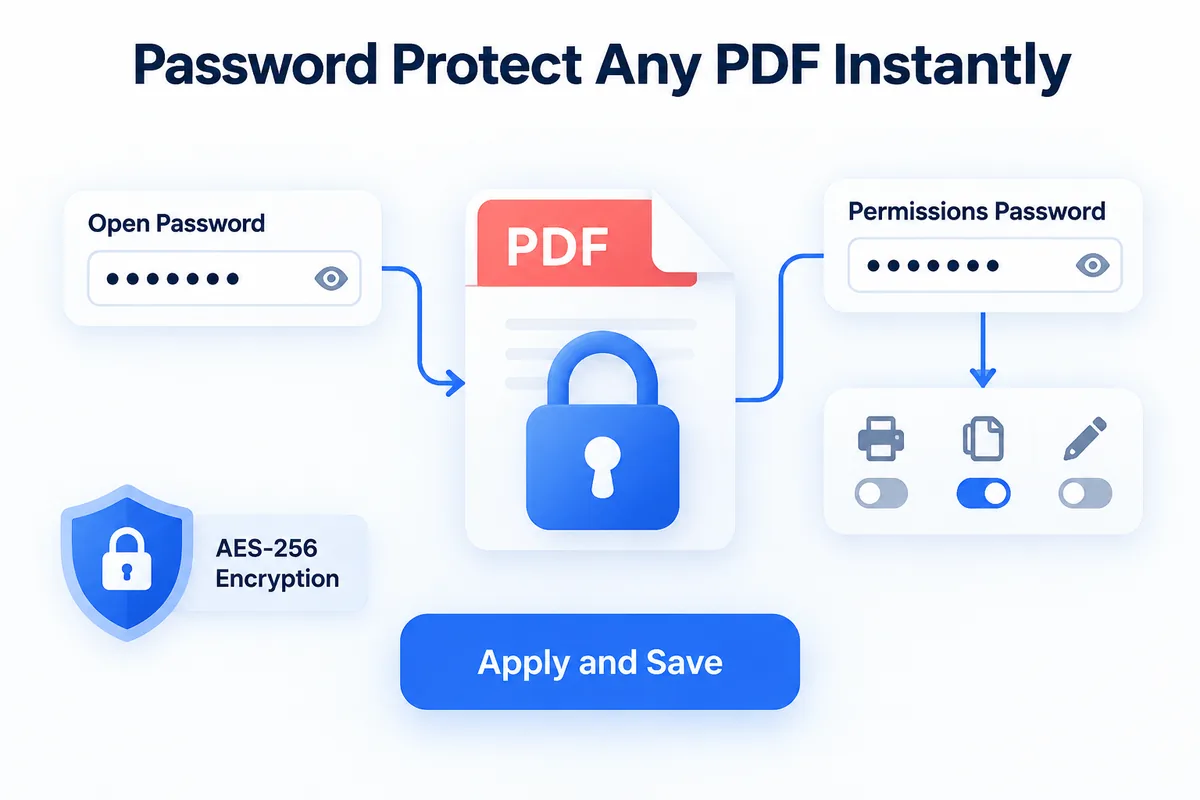 How to Password Protect a PDF (and Block Printing or Copying)Learn how to password protect a PDF with AES-256 encryption and block printing, copying or editing in a few clicks.
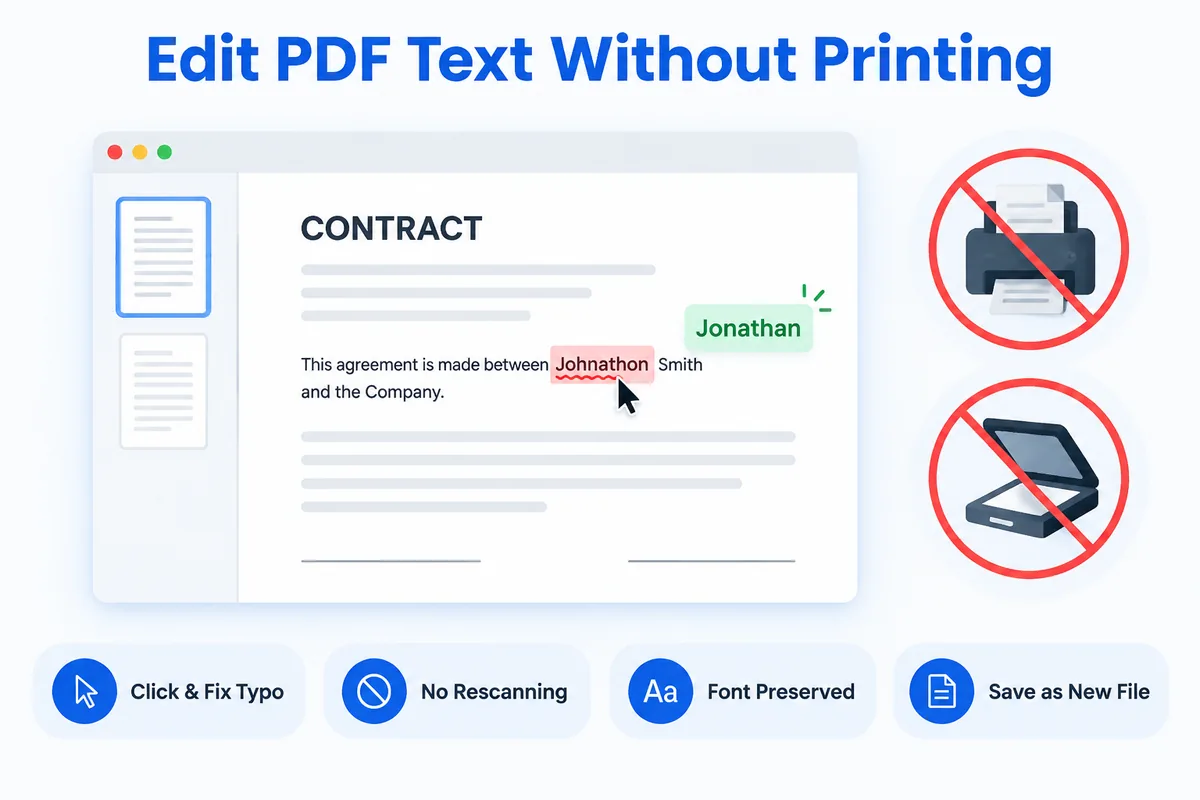 How to Edit Text in a PDF Without Printing or RescanningClick the text in the PDF, fix the typo, and save. Here is how to edit PDF text directly — no printing, no rescanning, no converting to Word first.