Invite a Friend to HanFlow PDF and Get 30 More Trial Days
Open Tools ▸ Invite friends (🎁) inside HanFlow PDF and you will see your personal invite code. Send it to a friend, or have them send you theirs — your friend gets 30 more trial days, and so do you. Everything happens inside the app; no browser needed.
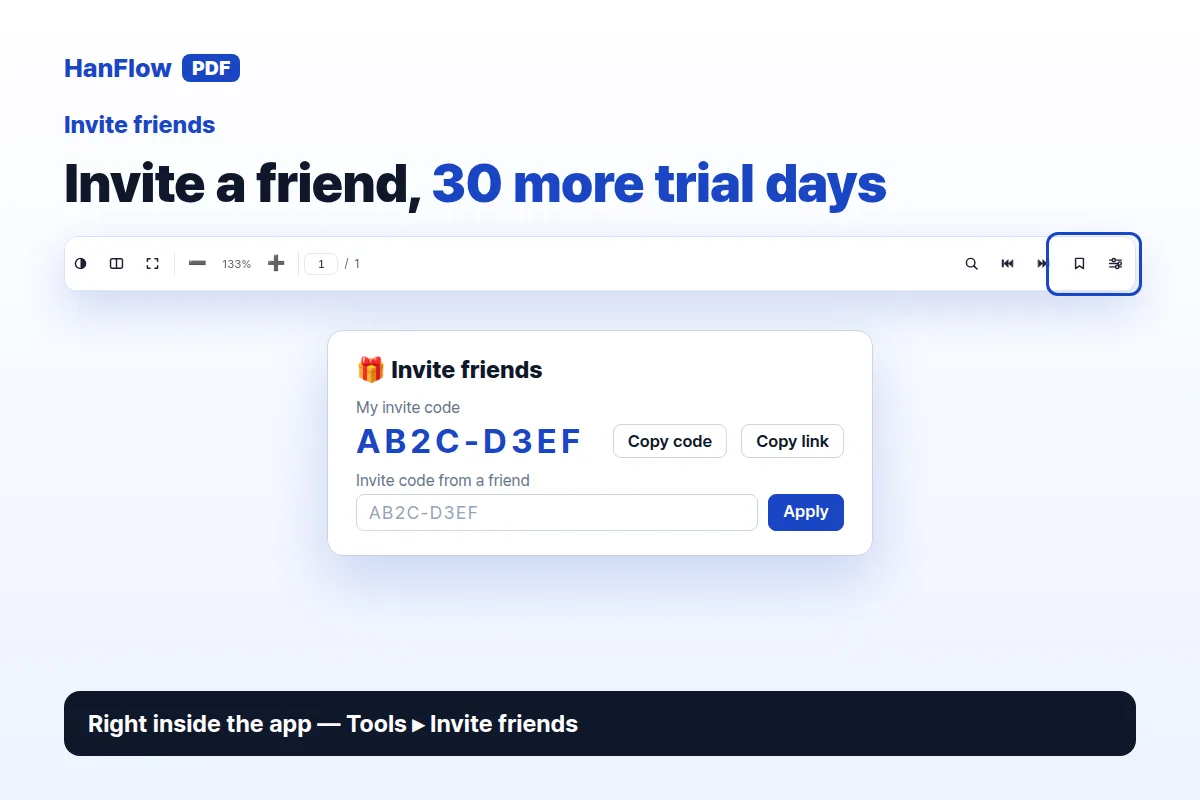
Send your code in three steps
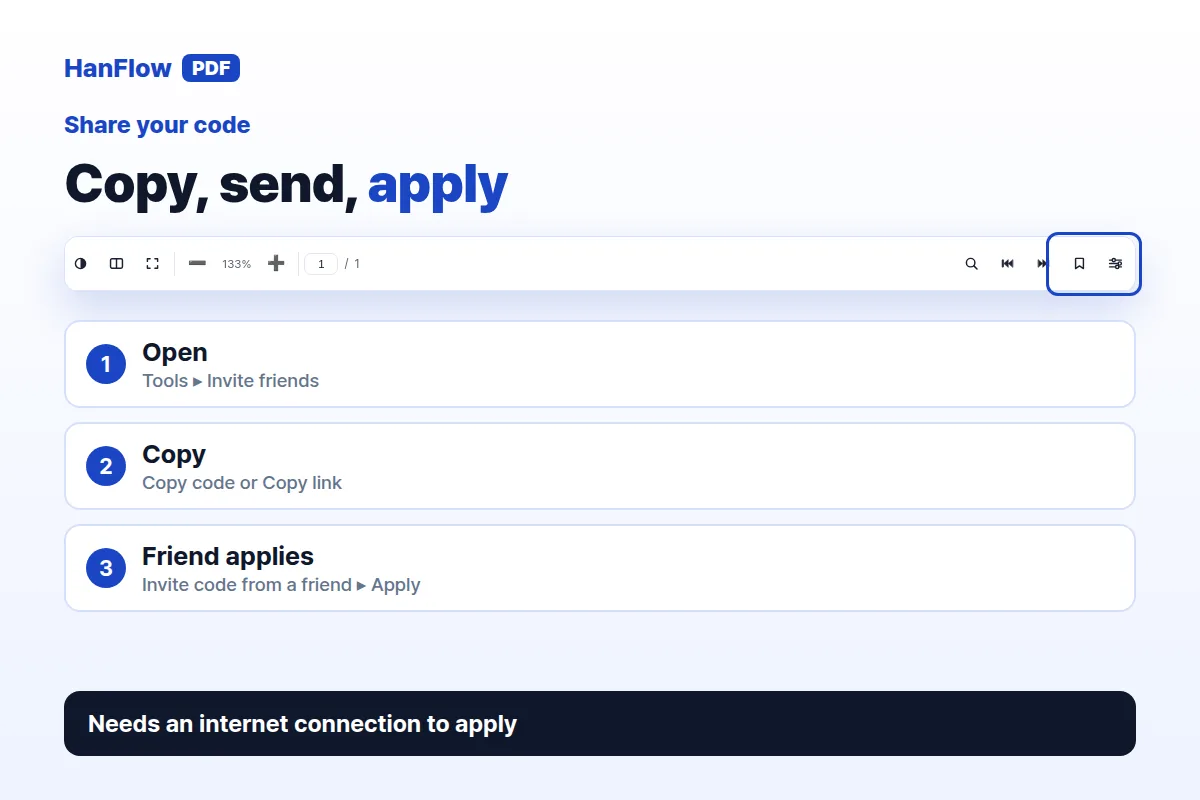
- Open HanFlow PDF and go to Tools ▸ Invite friends.
- Copy the code shown under My invite code with the Copy code button, or click Copy link to grab a hanflowpdf.com link that contains your code.
- Share the code or link with a friend. When they enter it, their trial is extended by 30 days — and yours is extended by 30 days too, for up to three friends.
Got a code from a friend?
- Open Tools ▸ Invite friends.
- Type or paste the code into the Invite code from a friend field and click Apply.
- A status line confirms the extension. Your trial grows by 30 days.
You need an internet connection to apply a code. If the PC already has a licence, the redeem field is hidden — the trial extension is unnecessary, but you can still share your own code with friends.
How the extra days add up
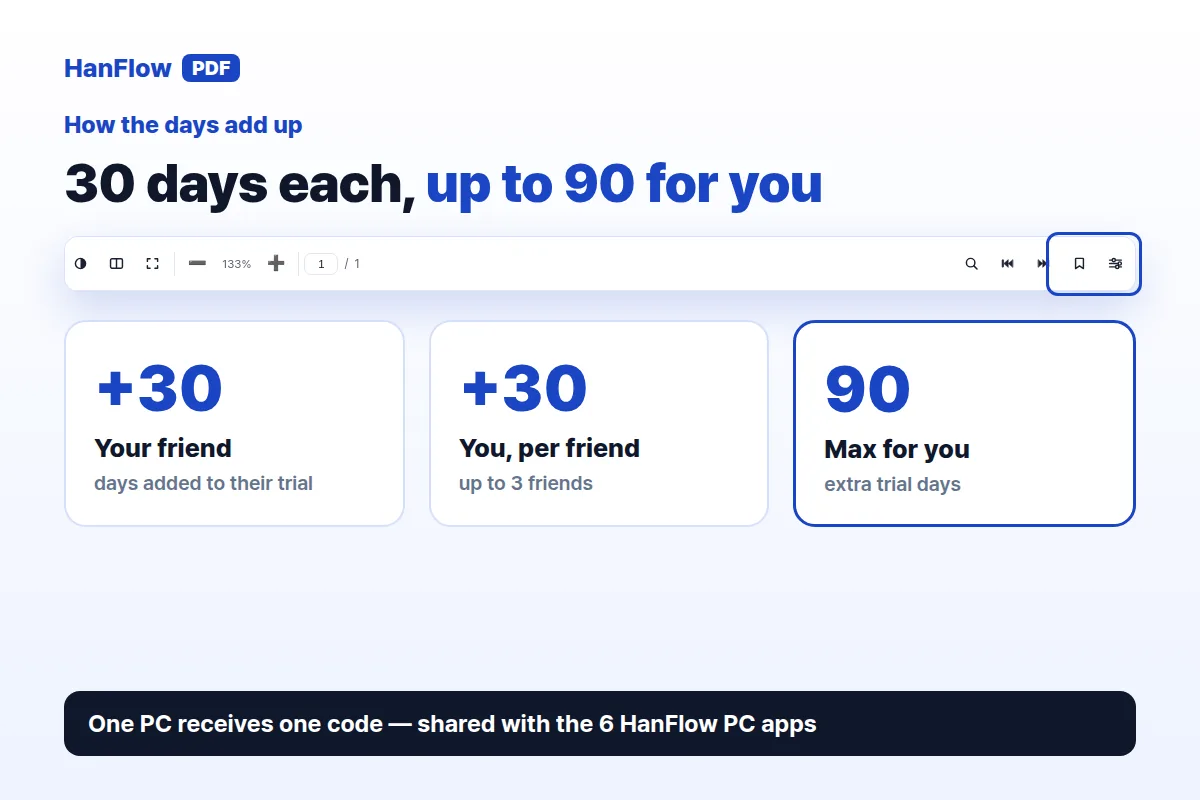
When a friend enters your code, your friend gets 30 more trial days. You get 30 more days for each friend who enters it, up to three friends — 90 extra days at most.
A single PC can receive a friend's code only once, across HanFlow programs. HanFlow PDF and the six HanFlow PC apps (Cap, Cut, Image, Finder, Zip, Player) share the same code and the same extension, so if you already entered a code in one of them, the same PC cannot receive another. The extra days on that PC cover HanFlow PDF and the six PC apps together.
When a code won't apply
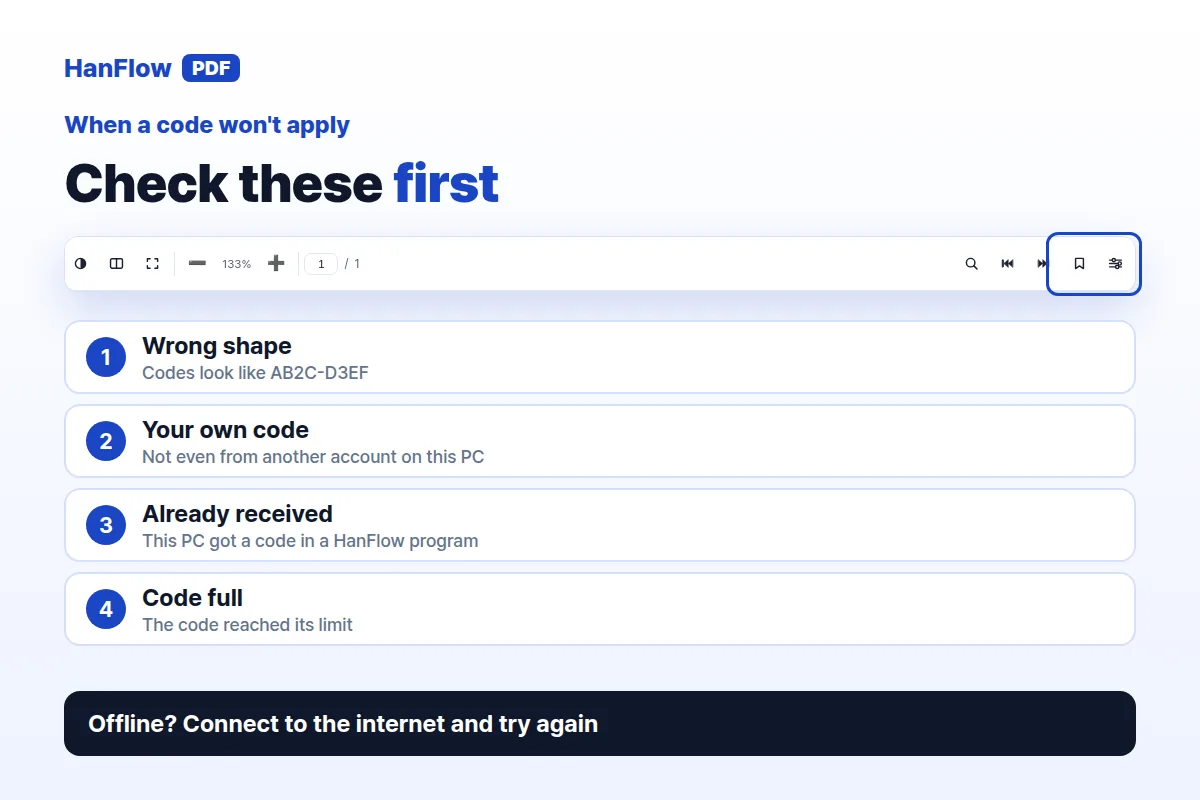
- Not an invite code — the text you entered does not match the code format (e.g. AB2C-D3EF).
- Unknown code — no matching code was found on the server.
- Your own code — you can't enter it, even from another account on the same PC.
- Code full — the code has reached the number of people it can be used by.
- Already received — this PC already received a friend's code, including in another HanFlow program.
- No connection — connect to the internet and try again.
Frequently asked questions
Do both people get extra days?
Yes. The person who shares the code and the friend who enters it each receive 30 more trial days.
Can I use more than one friend's code on the same PC?
No. A PC can receive a friend's code only once, and this applies across HanFlow PDF and the HanFlow PC apps.
What if I already have a licence?
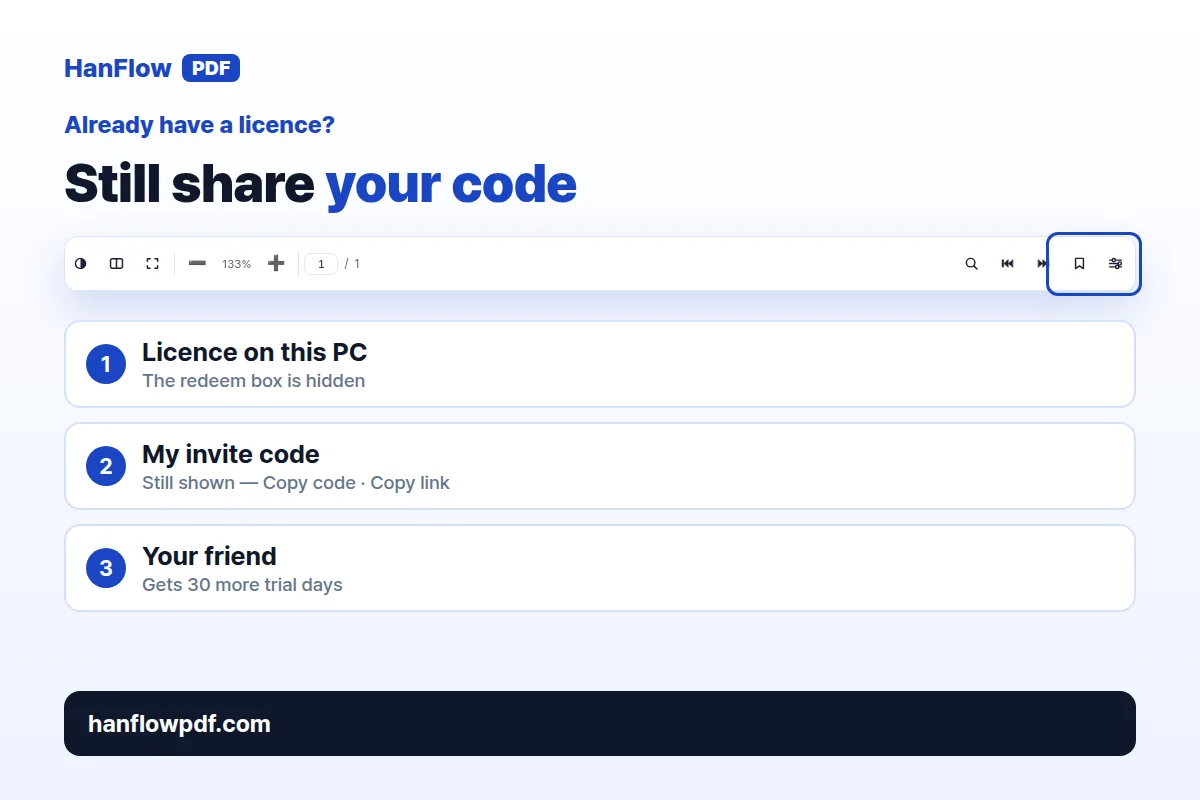
The redeem field is hidden because your PC does not need a trial extension. You can still send your invite code to friends so they benefit.
Does the extension apply only to HanFlow PDF?
No. The extra days cover HanFlow PDF and the six HanFlow PC apps, which share the same invite code.
HanFlow PDF is a desktop PDF program with a one-month trial, then a licence.