PDFelement Alternative: A Simpler Desktop PDF Editor
PDFelement is a full PDF suite with AI tools, cloud storage and e-signature tracking. If you mainly need to edit, convert and organize PDFs on your own computer, HanFlow PDF is a simpler desktop editor for Windows and Mac that you can buy once with a perpetual license. Here is how the two compare.
What PDFelement offers
PDFelement runs on Windows, Mac, iPhone, iPad and Android, with a browser version (PDFelement Online) and PDFelement Cloud for storing and sharing files.
Core editing covers text, images, links, watermarks and shapes. You can convert PDFs to and from Word, Excel, PNG and JPG, including batch conversion, and run OCR on scanned documents and images.
Its wider toolset is where it stands out. AI features summarize and translate documents, let you chat with a PDF, review contracts and build a knowledge base. You can send documents for signature and track their status. Form tools detect fields, create fillable forms and extract form data. There is also password encryption, redaction, and tools to merge, split, reorder, compare and compress files. (Wondershare PDFelement page, checked October 2026.)
What HanFlow PDF includes
HanFlow PDF is a PDF program for Windows, Mac, Android and iPhone, plus a web app.
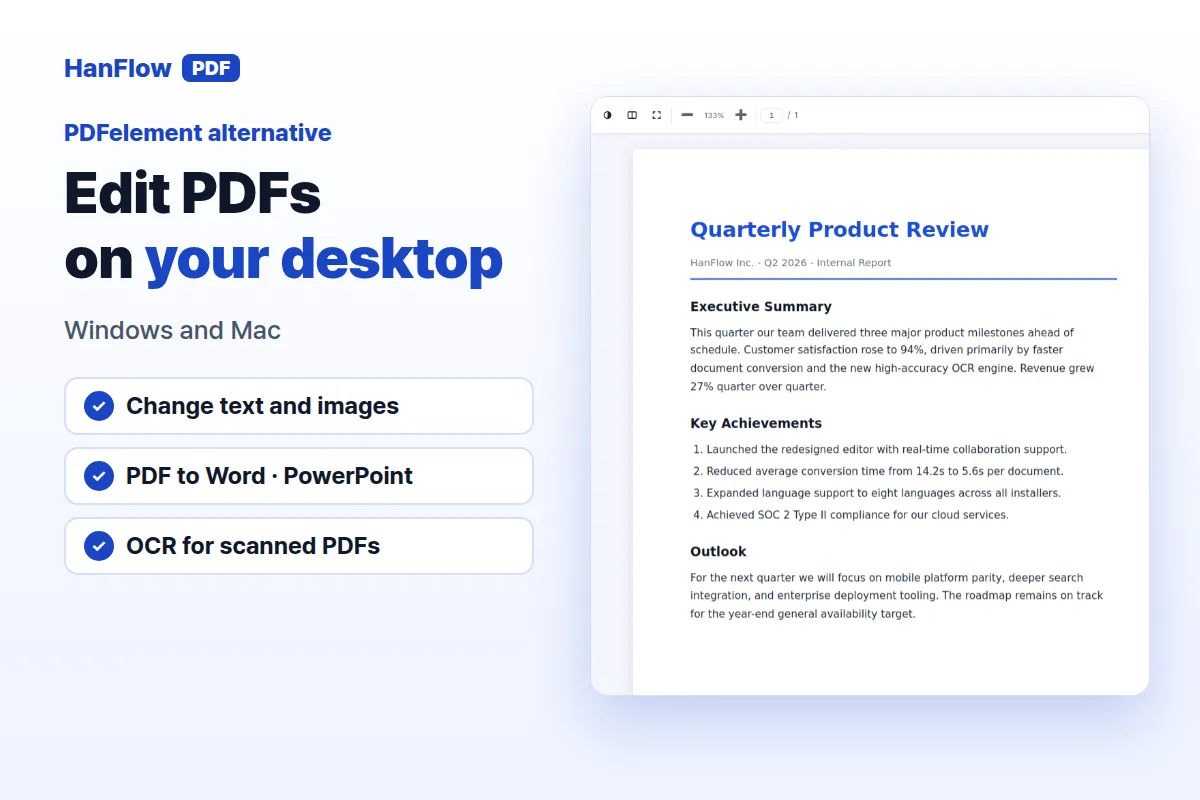
- Edit PDFs: change text and images, and erase parts of a page.
- Convert: PDF to Word and PowerPoint, images to PDF and back, and export pages as images.
- Recognize text (OCR) in scanned PDFs.
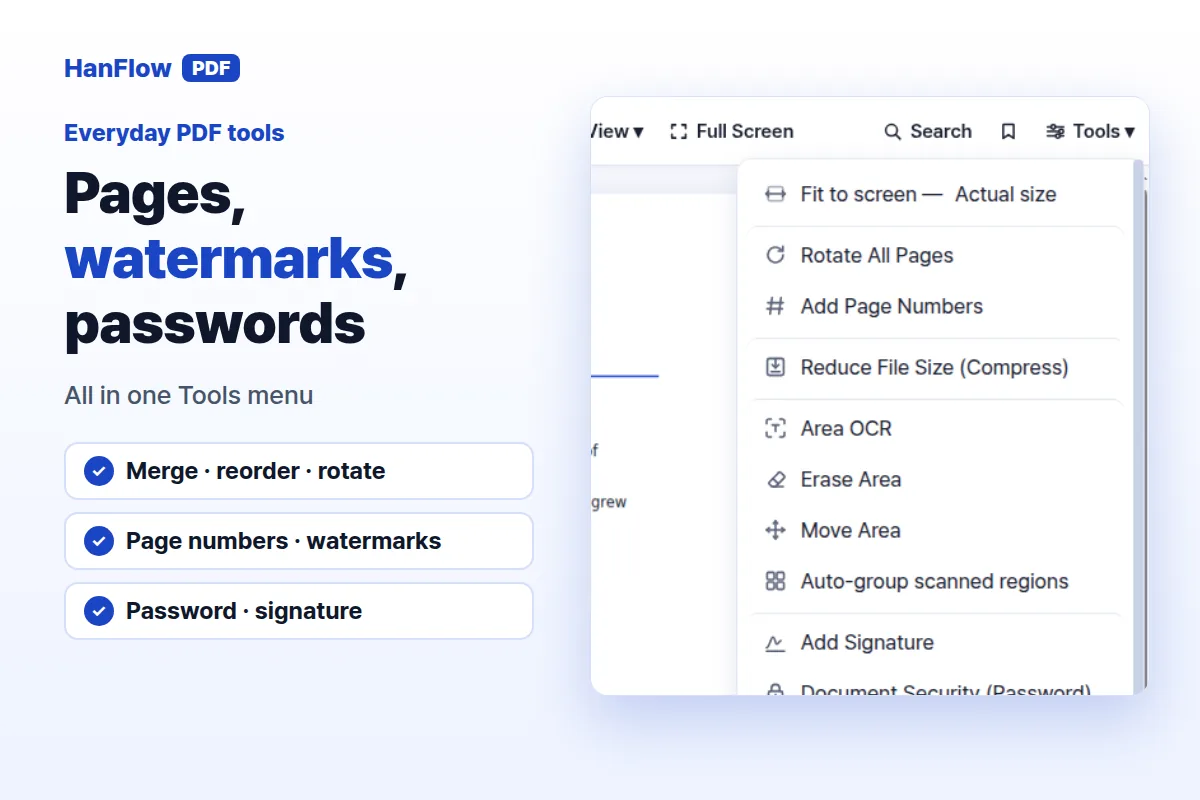
- Organize pages: merge, reorder, rotate, add page numbers and watermarks.
- Annotate: highlight, comment and draw with a pen.
- Protect with a password; sign.
On Windows it installs per user, so you can set it up without administrator rights on most PCs. The interface is available in 26 languages.
Perpetual license or annual plan
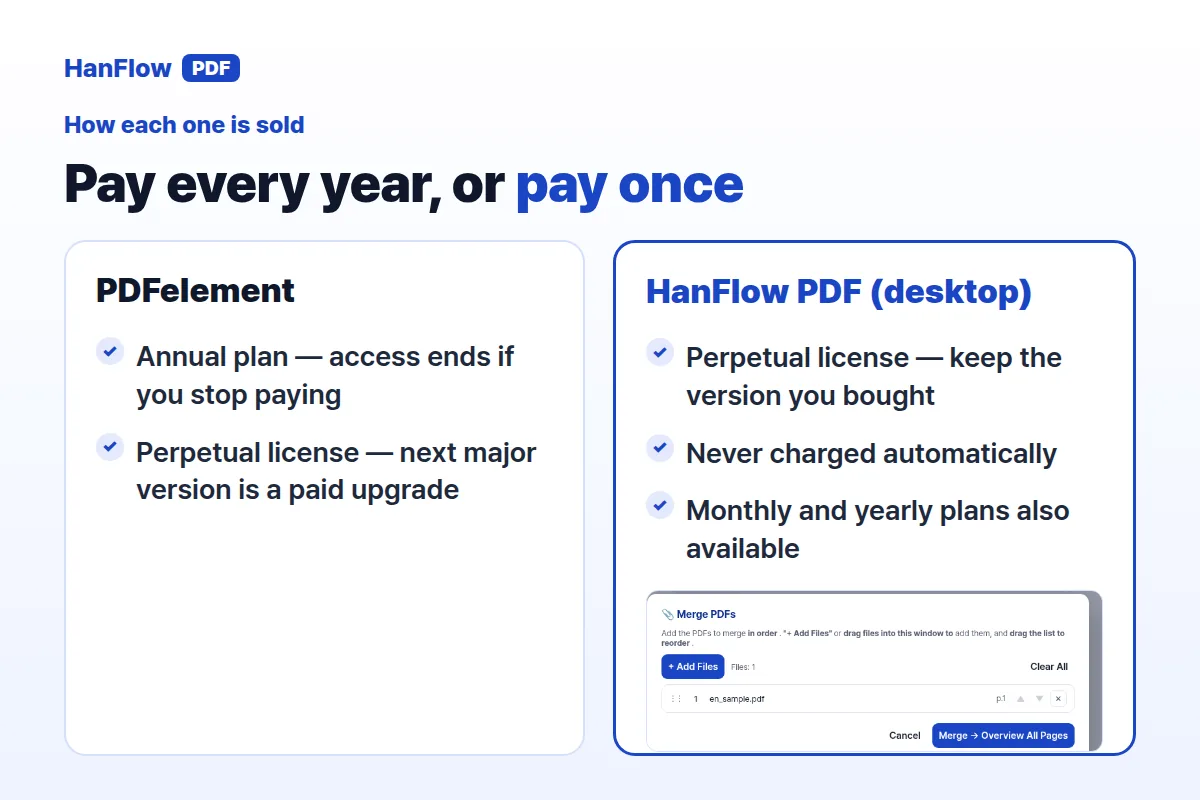
PDFelement offers an annual plan and a perpetual license. On the annual plan you pay every year, new major versions are included during the term, and access ends if you stop paying. The perpetual license is a one-time purchase; moving to the next major version is a paid upgrade at a discounted price. (Wondershare support page on perpetual and periodic licenses, checked October 2026.)
HanFlow PDF's desktop program for Windows and Mac is sold as a perpetual license: you pay once, keep the version you bought with no time limit, and are never charged automatically. Monthly and yearly plans are also available if you prefer them. The iPhone and Android apps are sold as in-app subscriptions; the perpetual license covers the desktop program only.
There is a free trial. See current prices on the pricing page.
How to choose
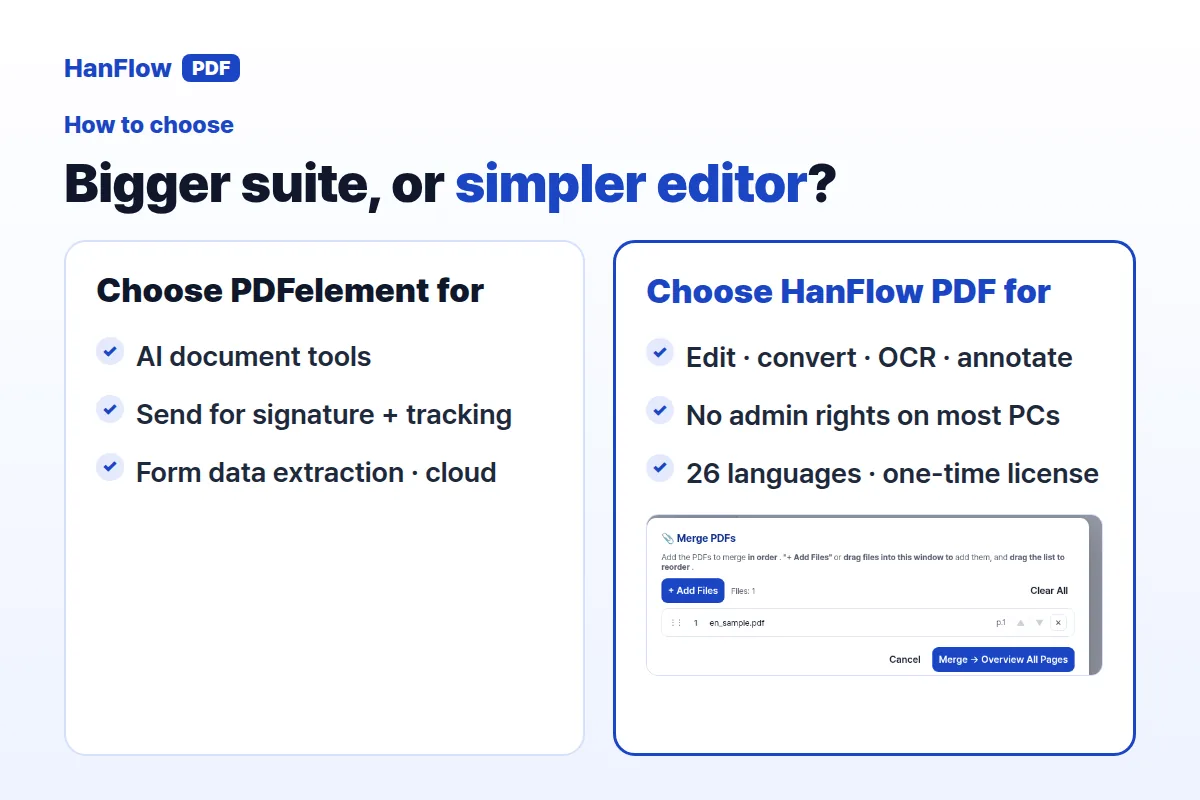
- Choose PDFelement if you rely on AI document tools, sending documents for signature with status tracking, form data extraction, or a cloud workspace. It is the larger toolkit.
- Choose HanFlow PDF if you want a straightforward desktop editor for editing, converting, OCR, annotating and organizing pages, with a per-user install that needs no administrator rights on most PCs, an interface in 26 languages, and a one-time desktop license.
Frequently Asked Questions
Does PDFelement sell a perpetual license?
Yes. Wondershare sells PDFelement as a perpetual license as well as an annual plan. With the perpetual license, the next major version is a paid upgrade at a discounted price.
Do I need administrator rights to install HanFlow PDF?
On most PCs, no. HanFlow PDF installs per user on Windows, so you can set it up without administrator rights.
Can I try HanFlow PDF before buying?
Yes. There is a free trial. For current details on what is included, check the pricing page.