Free utility for Windows · 100% processed on your PC
File organizing, now automatic
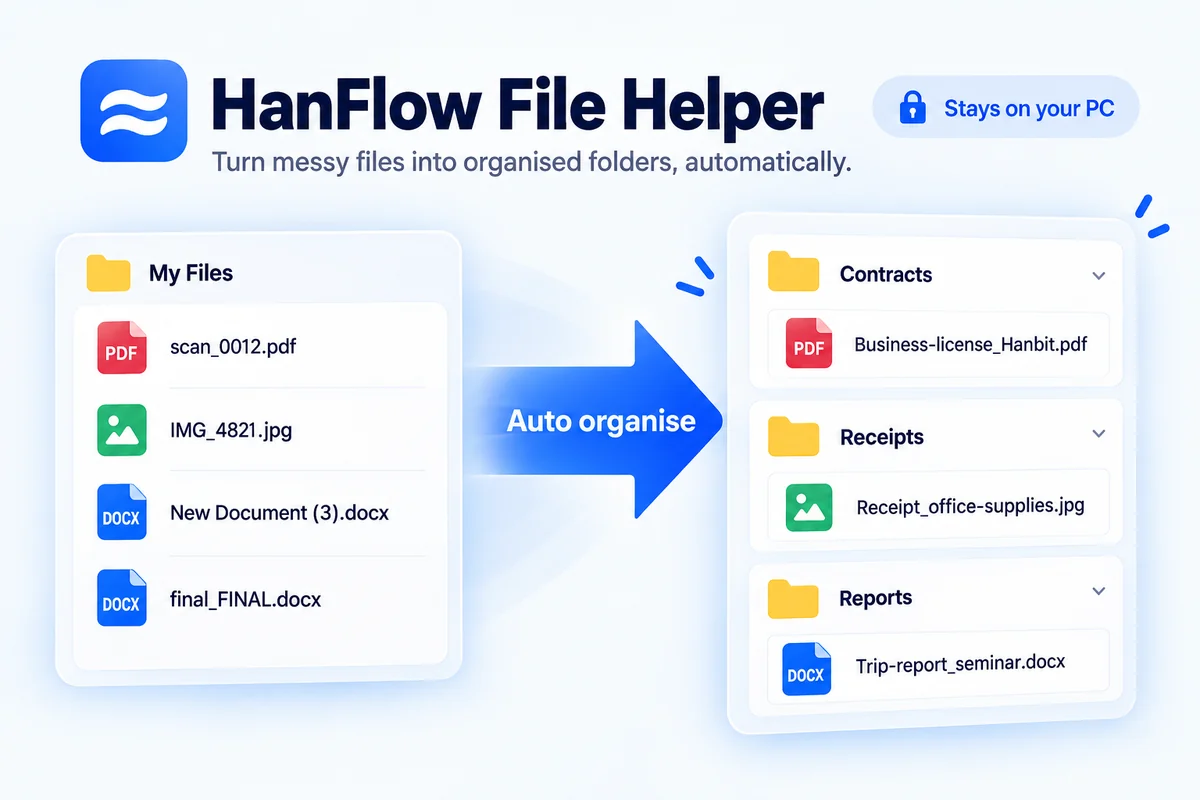
HanFlow File Helper is all you need. It reads the content of documents and images to suggest clear, recognizable file names, and learns how your PC's folders are arranged to find the right home for every file. Files never leave your computer.
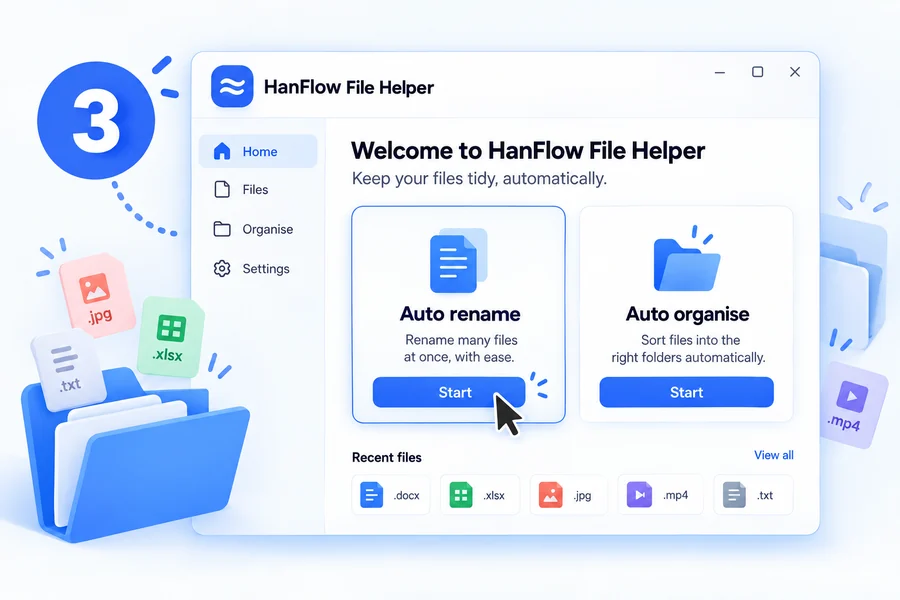
Pick a feature on the home screen and it starts right away. (Example layout)
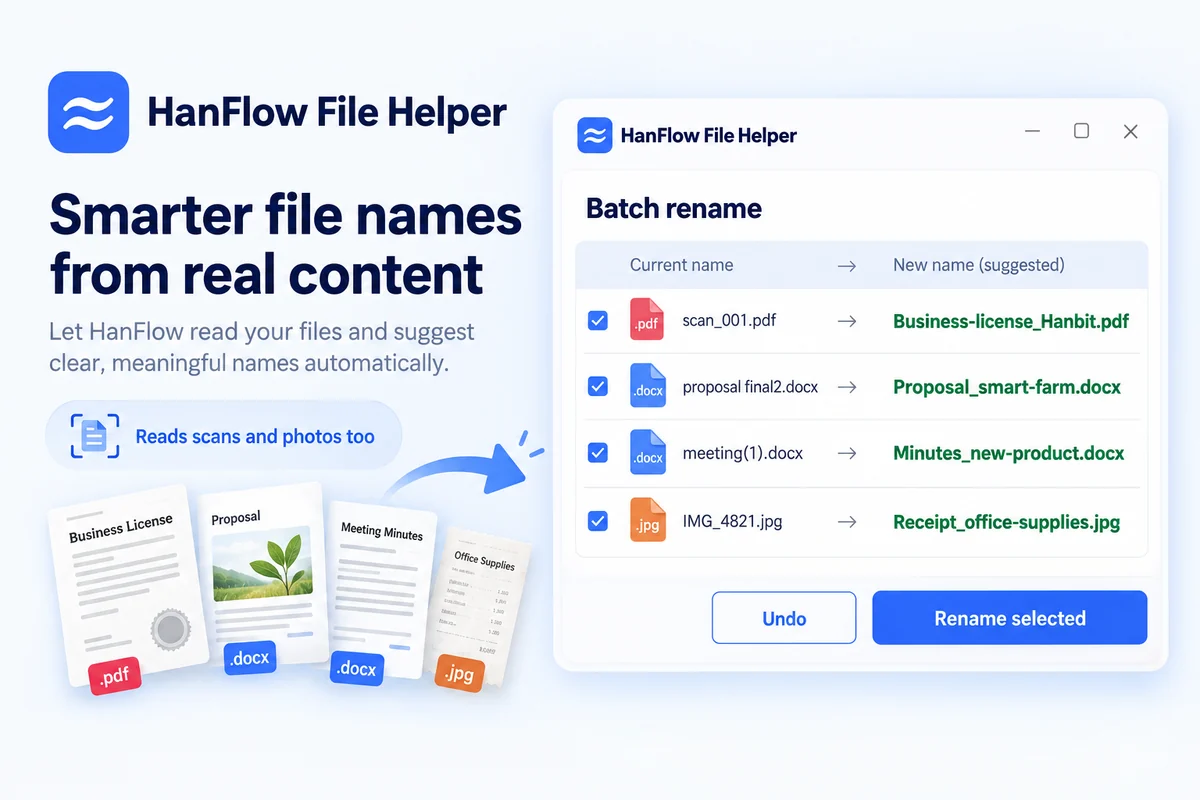
Smart file renaming
See a whole folder as a list, select many files and rename them at once — with name suggestions based on the actual content of documents and images.
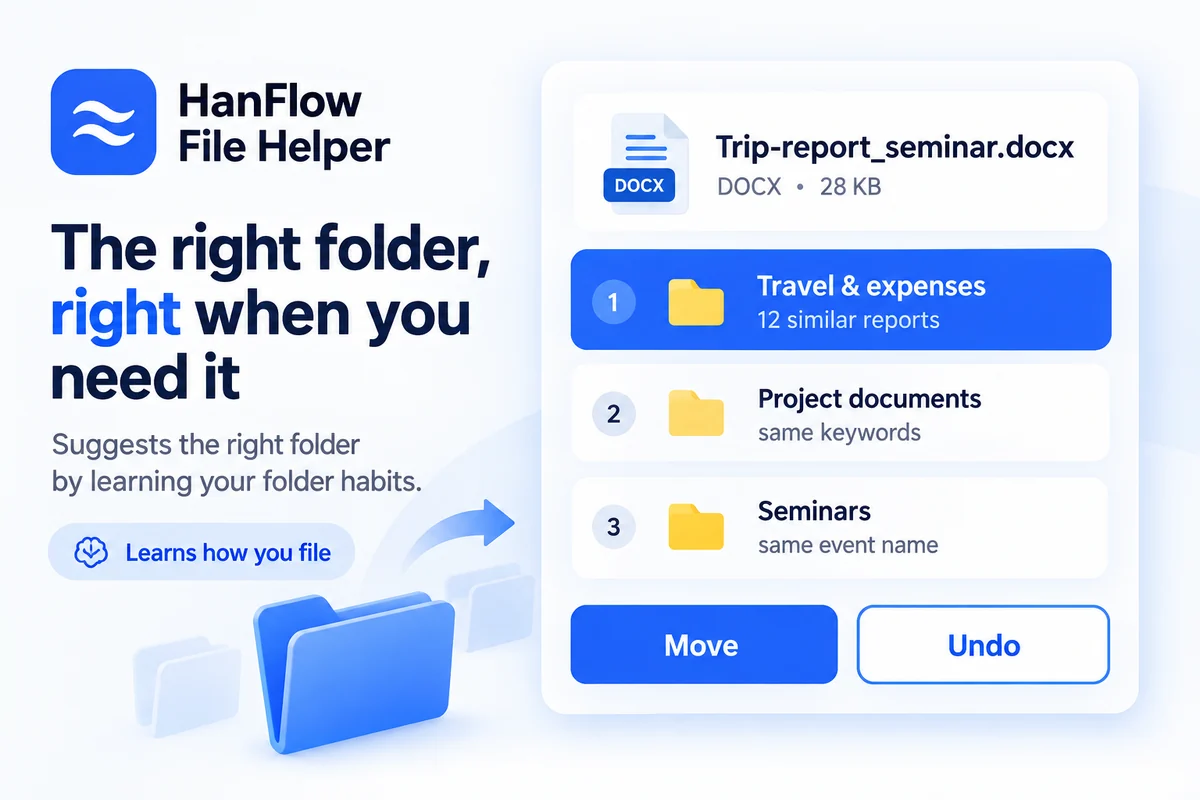
Auto file & folder organizing
Learns how files are arranged on your PC, ranks the best storage folders for each file, and moves it with a single click.
Feature 1
Reads your documents and suggests file names
It analyzes the content of PDF, Word, PowerPoint, Excel and image files, then suggests names you can recognize at a glance — like "Business_Registration_HanbitTrading" or "Proposal_SmartFarm_Project". Apply initials, date and version rules, rename many files at once, and restore anything with Undo.
Content-based suggestionsOCR for scans & imagesBatch renameUndo
Feature 2
Trained on large-scale PC file layouts to recommend the right folder
It learns from tens of thousands of folders and file placements, remembering "files like this used to go in this folder." Pick a file and the best folders are ranked with reasons — one click moves it there. Moved something by mistake? There's Undo.
Learns your folder habitsShows reasoningOne-click moveUndo
Install & start
Done in 3 steps
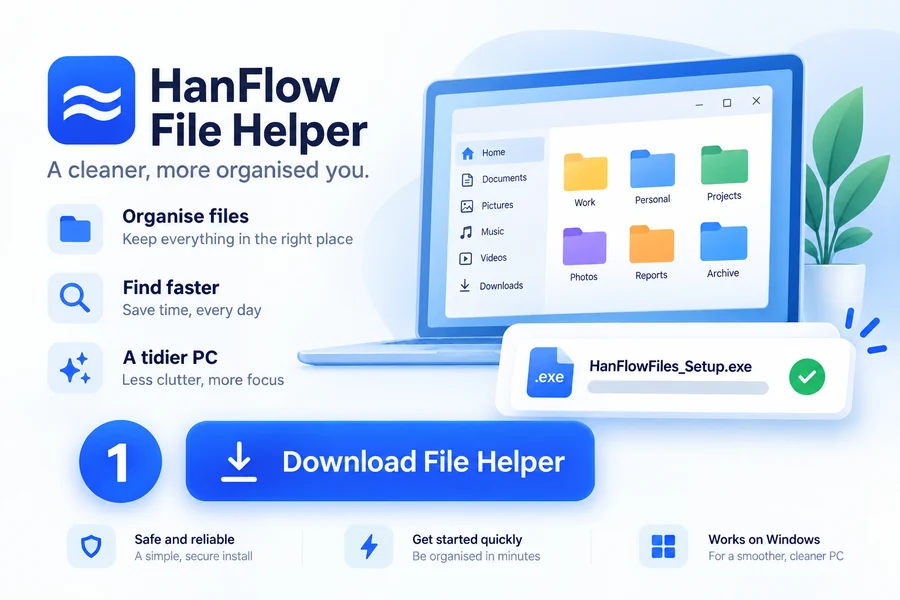
No sign-up, no payment — download and start right away.
1
Download
Click the Free Download button at the top of this page to get the installer (.exe).
2
Install
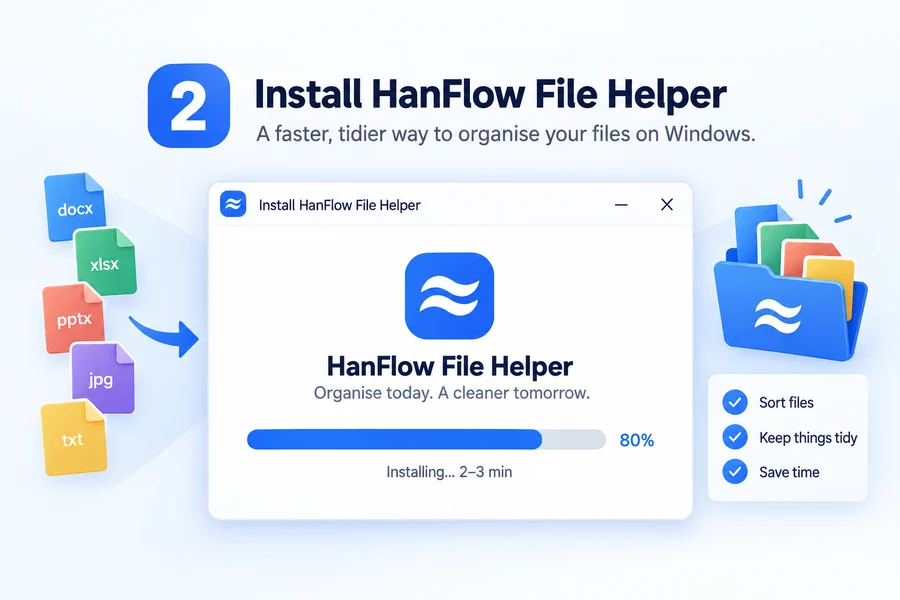
Run the file to install. Unpacking takes 2–3 minutes.
3
Pick a feature
Launch the desktop icon → choose Renaming or Organizing on the home screen.
⚠ Stay safe. Before applying, use the preview to check the new names and destination folders. Even if something goes wrong, [Undo] and [History] restore everything. All analysis happens only on your computer — no file is ever sent anywhere.
Business · Institutions
Company-wide license plans
For multi-PC deployment or institutional adoption, we offer license agreements sized to your organization. Keep a stable version with no forced updates; license keys are issued by email after the agreement. Invoices and contracts supported.