PDF-XChange Editor Alternative for Mac and Mobile
PDF-XChange Editor is a feature-rich PDF editor for Windows. It does not run on Mac. If you work across platforms or need a PDF tool on your phone, HanFlow PDF covers Windows, Mac, iPhone, and Android under one product line. Here is how the two compare.
What PDF-XChange Editor offers
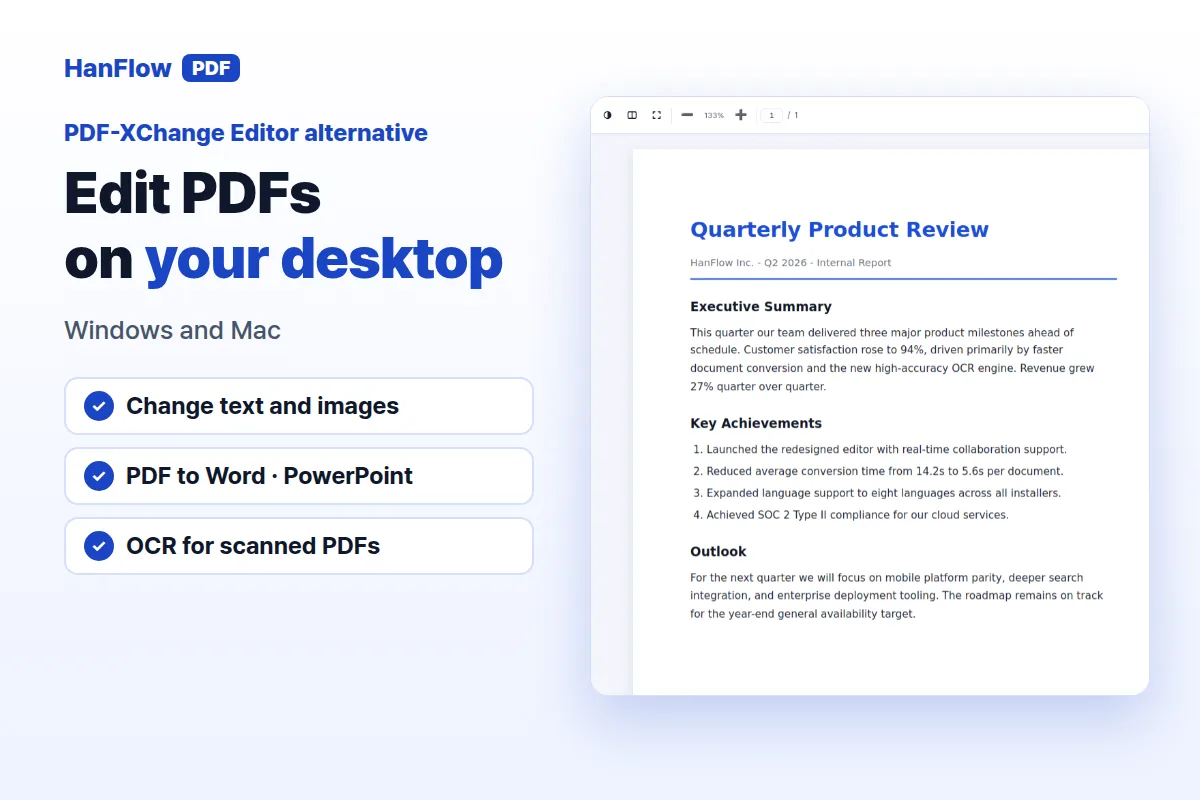
PDF-XChange Editor is a Windows-only desktop program built around the tasks most people expect from a PDF editor. You can edit text and pages, add comments with sticky notes, highlight passages, and create or edit fillable forms. A free version provides a large share of features at no cost, making it easy to test before buying.
Editor Plus extends the base product with an enhanced OCR engine, form identification, and a Compare Documents feature for reviewing differences between file versions. An AI Assistant is available too, though it requires your own API key. For signing, there is a built-in tool called FreeSign.
The licensing model is simple. A perpetual license lets you pay once and use the software indefinitely. That purchase includes one year of maintenance, and you can add more years later if you want continued updates (PDF-XChange Editor page, checked October 2026).
What HanFlow PDF includes
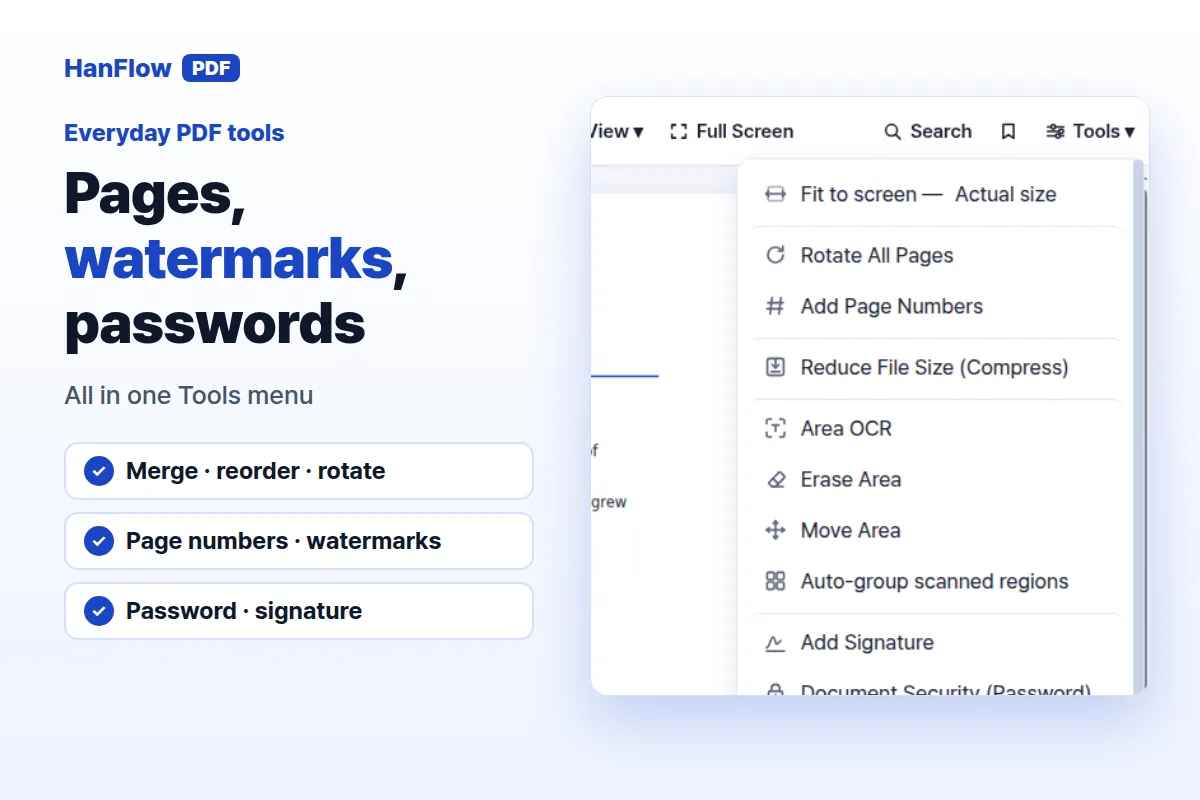
HanFlow PDF is a PDF program for Windows, Mac, Android, and iPhone, with a web app for browser-based access. The desktop application handles text and image editing, lets you erase parts of a page, and converts PDF to Word and PowerPoint, turns images into PDF and back, and exports pages as images. It also runs OCR on scanned documents.
Page organization covers merging files, reordering and rotating pages, and adding page numbers or watermarks. For review and security, you get highlighting, comments, freehand drawing, password protection, and signing. The interface supports 26 languages, which matters if your team spans more than one region.
A free trial is available. For current plans and pricing, visit the pricing page.
Windows only, or Windows and Mac
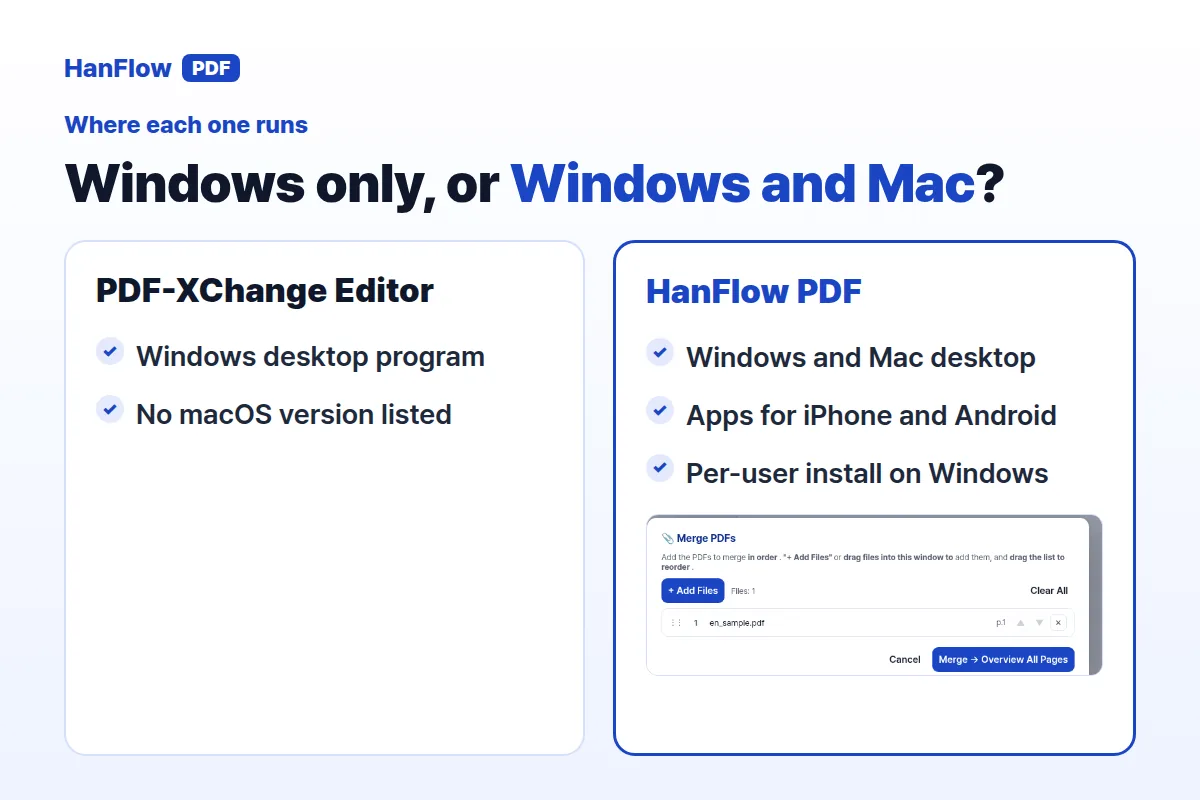
This is the sharpest difference between the two programs. PDF-XChange Editor supports Windows only. No Mac version is listed on the product page.
HanFlow PDF installs on both Windows and Mac. On Windows, it uses a per-user installation, so you can set it up on most PCs without needing administrator rights. Beyond the desktop program, there are apps for iPhone and Android, plus a web app.
If every machine in your workflow runs Windows, this gap may not concern you. But the moment a Mac or a phone enters the picture, it becomes the factor that narrows the choice.
Perpetual license on both
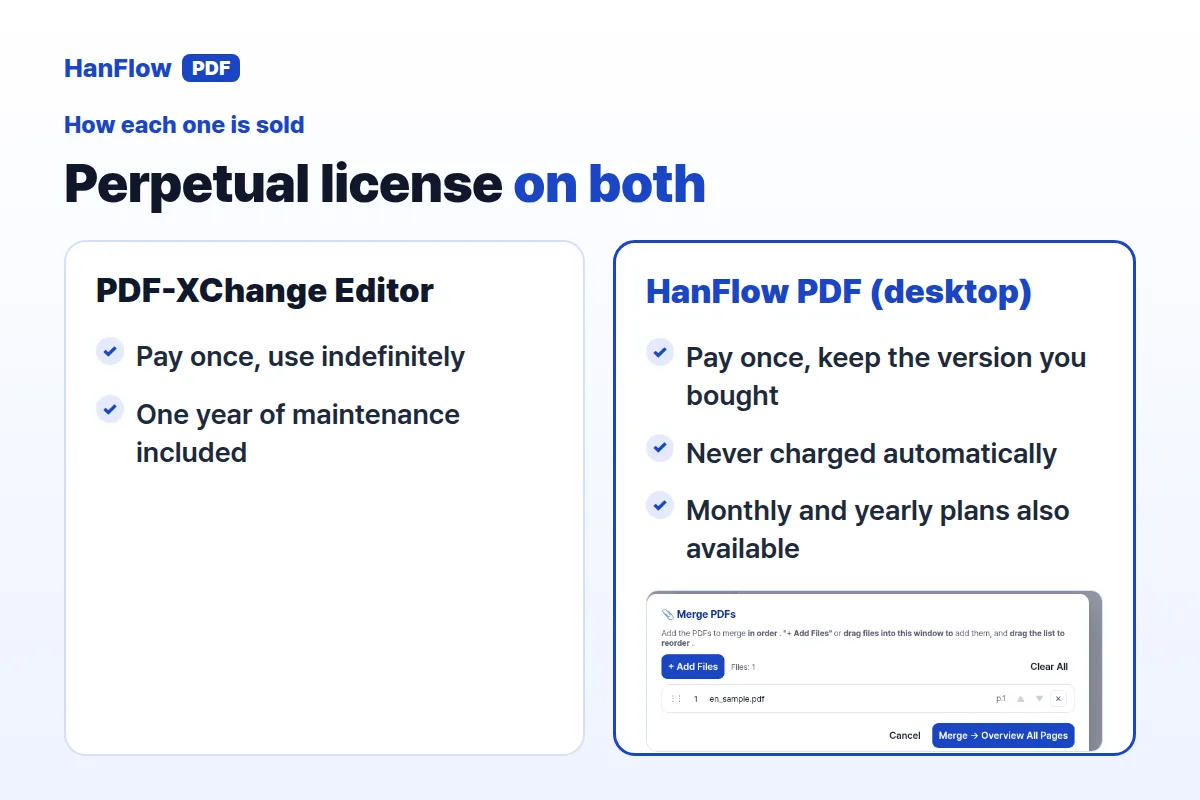
Both products sell a perpetual license for their desktop software: you pay once and keep using the version you bought.
PDF-XChange Editor includes one year of maintenance with that purchase, and you can extend it. HanFlow PDF's perpetual license has no time limit and you are never charged automatically; monthly and yearly plans are also available. One detail to note: HanFlow PDF's perpetual license applies to the desktop program only. The iPhone and Android apps are sold through separate in-app subscriptions.
How to choose
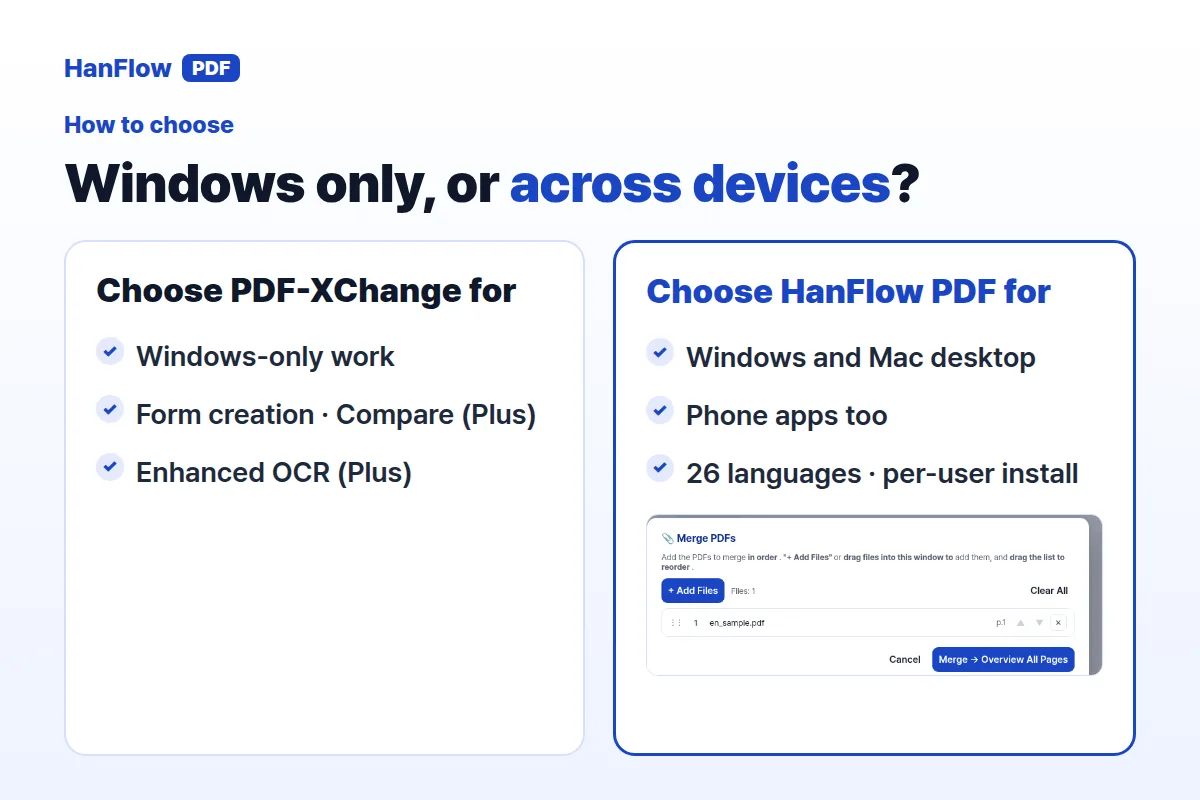
Pick PDF-XChange Editor if you work exclusively on Windows and value features like fillable-form creation, document comparison, or the enhanced OCR engine in Editor Plus. The free version lets you evaluate the software without commitment.
Pick HanFlow PDF if you need a PDF editor that runs on Mac as well as Windows, or if you want apps on your phone alongside the desktop tool. The per-user Windows installer, 26-language interface, and perpetual desktop license make it a practical choice for mixed-platform teams.
The two programs share the fundamentals — editing, annotation, OCR, conversion, and signatures. Platform coverage is usually what tips the decision.
Frequently Asked Questions
Does PDF-XChange Editor work on Mac?
No. PDF-XChange Editor is a Windows-only program. If you need a Mac-compatible PDF editor, HanFlow PDF offers a desktop application for both Windows and Mac, along with apps for iPhone and Android.
Can I try HanFlow PDF before buying?
Yes. A free trial is available. Check the pricing page for current plan details.
Is the perpetual license really a one-time payment?
Yes, for the desktop program. PDF-XChange Editor's perpetual license includes one year of maintenance that can be extended. HanFlow PDF's perpetual license has no time limit and is never charged automatically; it covers the desktop program only, and the iPhone and Android apps use separate in-app subscriptions.