Nitro PDF Alternative: Why a Perpetual License Might Be What You Need
Nitro PDF is a capable desktop PDF editor, but its licensing model might not fit everyone. If you would rather pay once and keep your software, HanFlow PDF is a desktop PDF editor for Windows and Mac sold with a perpetual license. Here is how the two compare.
What Nitro PDF offers
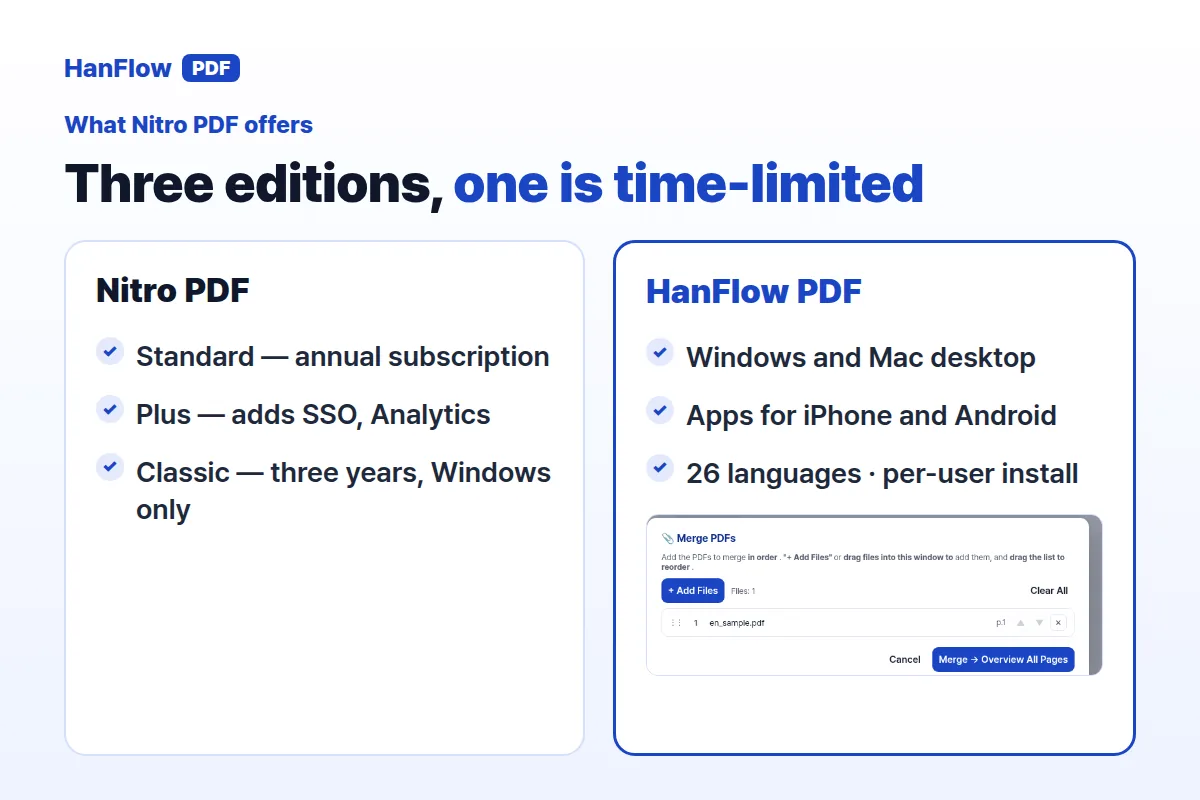
Nitro PDF Standard is a subscription billed per user per month, annually. It runs on Windows, Mac, and iOS and includes tools for creating, converting, combining, editing, and annotating PDFs. OCR turns scanned documents into editable, searchable files. AI tools and an admin portal come with the subscription.
Nitro PDF Plus builds on Standard with SSO, domain control, Azure Information Protection, and Nitro Analytics. Volume discounts are available through sales.
For teams that need electronic signatures, Nitro Sign is a separate product. It handles sending documents for signature, form fields, audit logs, and reminders. Higher tiers add templates, identity verification, and API access.
Nitro PDF Classic is a one-time payment — but it covers three years of use on Windows desktop only. The Nitro pricing page does not list a perpetual license, and Android is not mentioned (Nitro pricing page, checked October 2026).
What HanFlow PDF includes
HanFlow PDF is a PDF program for Windows, Mac, Android, and iPhone, plus a web app.
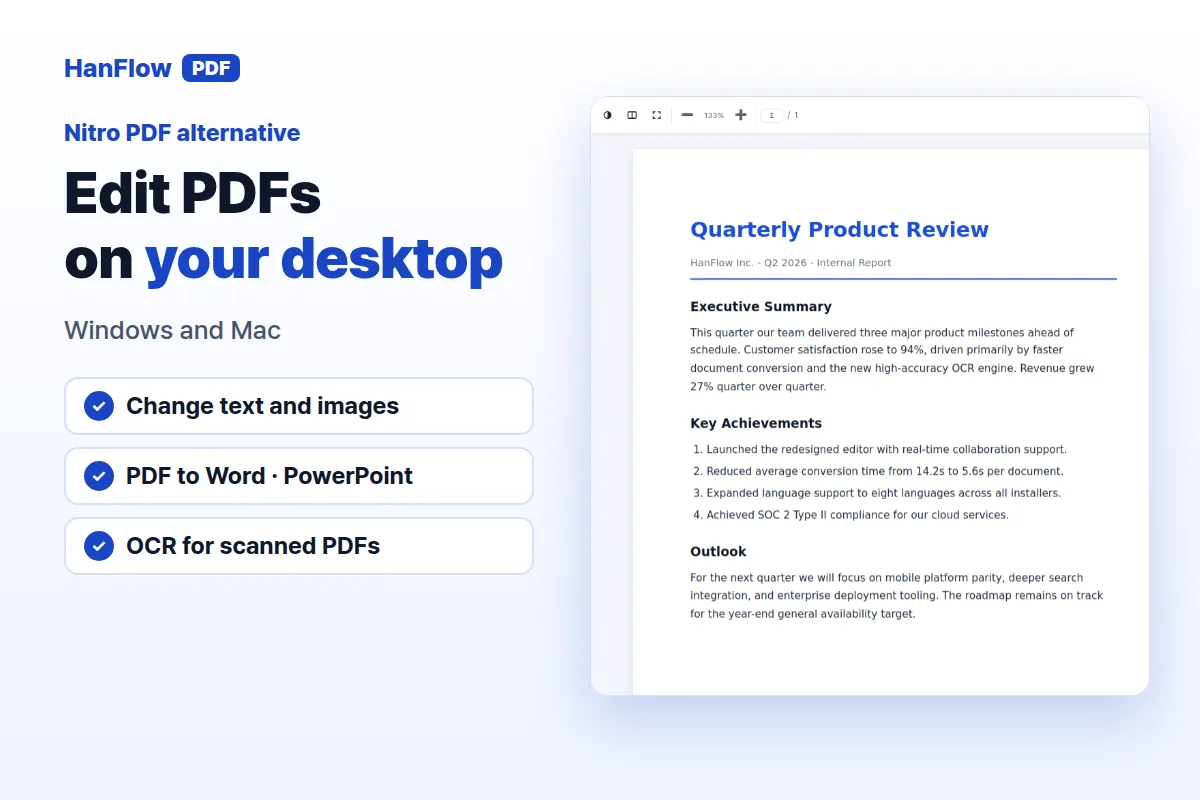
Editing covers text and images, with the ability to erase parts of a page. You can convert PDF to Word and PowerPoint, turn images into PDFs and back, and export individual pages as images. OCR handles scanned PDFs.
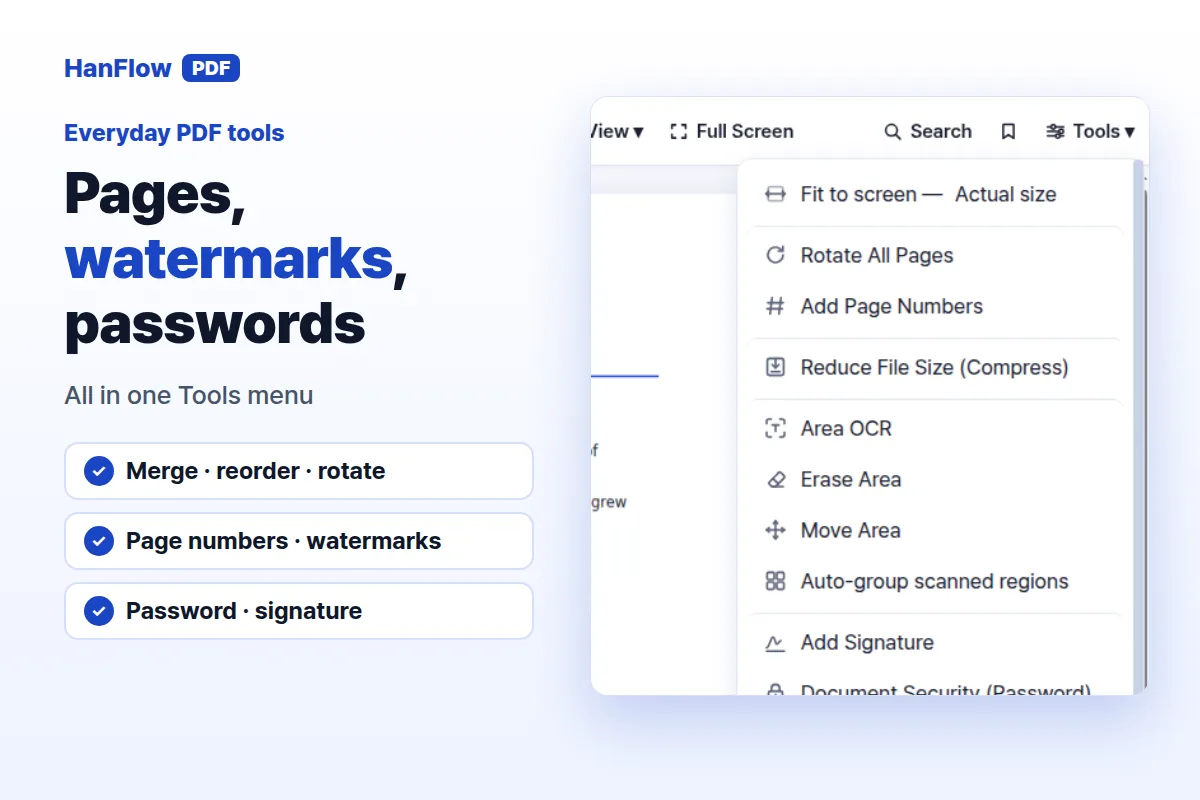
Page organization tools let you merge, reorder, and rotate pages, and add page numbers or watermarks. For markup, there are highlighting, comments, and pen drawing. You can protect files with a password and sign documents.
The interface supports 26 languages. On Windows, HanFlow PDF installs per user, so it can be set up without administrator rights on most PCs.
Annual plan, three years, or pay once
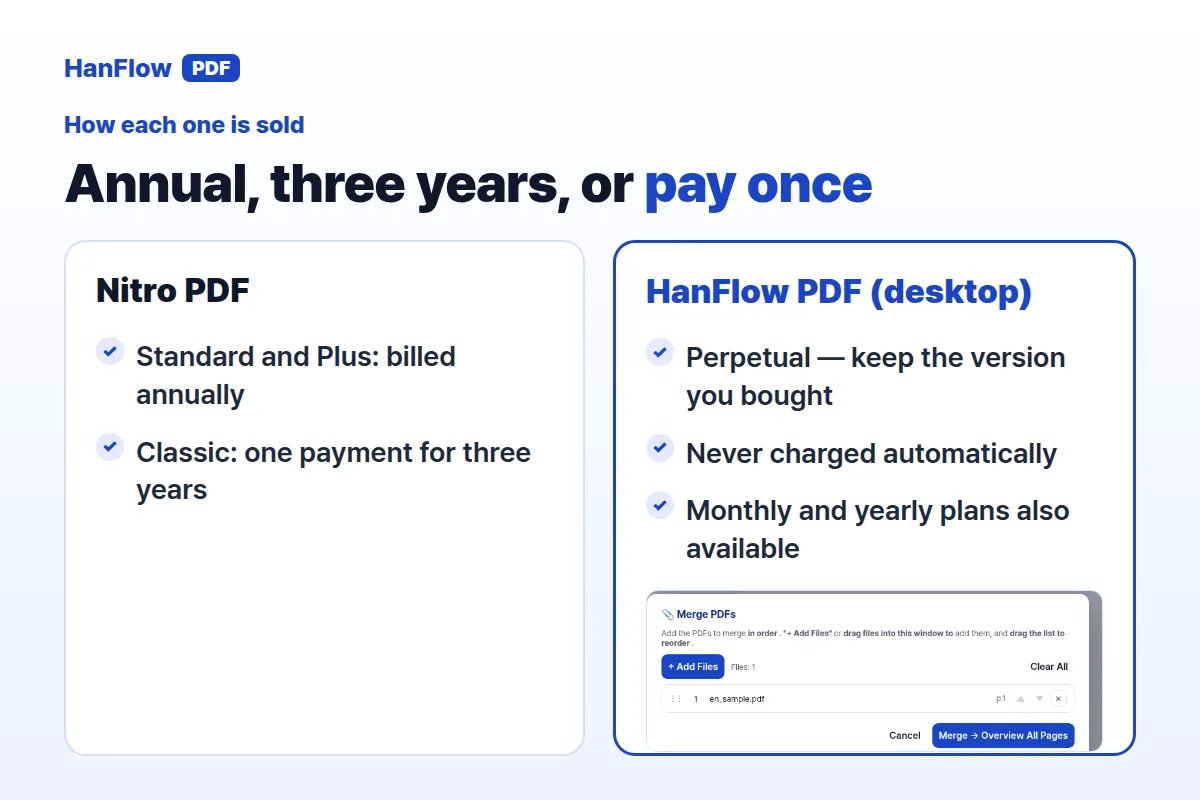
Nitro's main editions — Standard and Plus — are annual subscriptions. Nitro PDF Classic breaks from that pattern with a one-time payment, yet it still has a limit: three years of use, Windows desktop only.
HanFlow PDF takes a different approach. The desktop program for Windows and Mac is sold as a perpetual license. You pay once, use the version you bought with no time limit, and you are never charged automatically. Monthly and yearly plans also exist if you prefer them.
On mobile, HanFlow PDF's iPhone and Android apps are sold as in-app subscriptions; the perpetual license applies to the desktop program only. For current plan details and the trial, see the pricing page.
How to choose
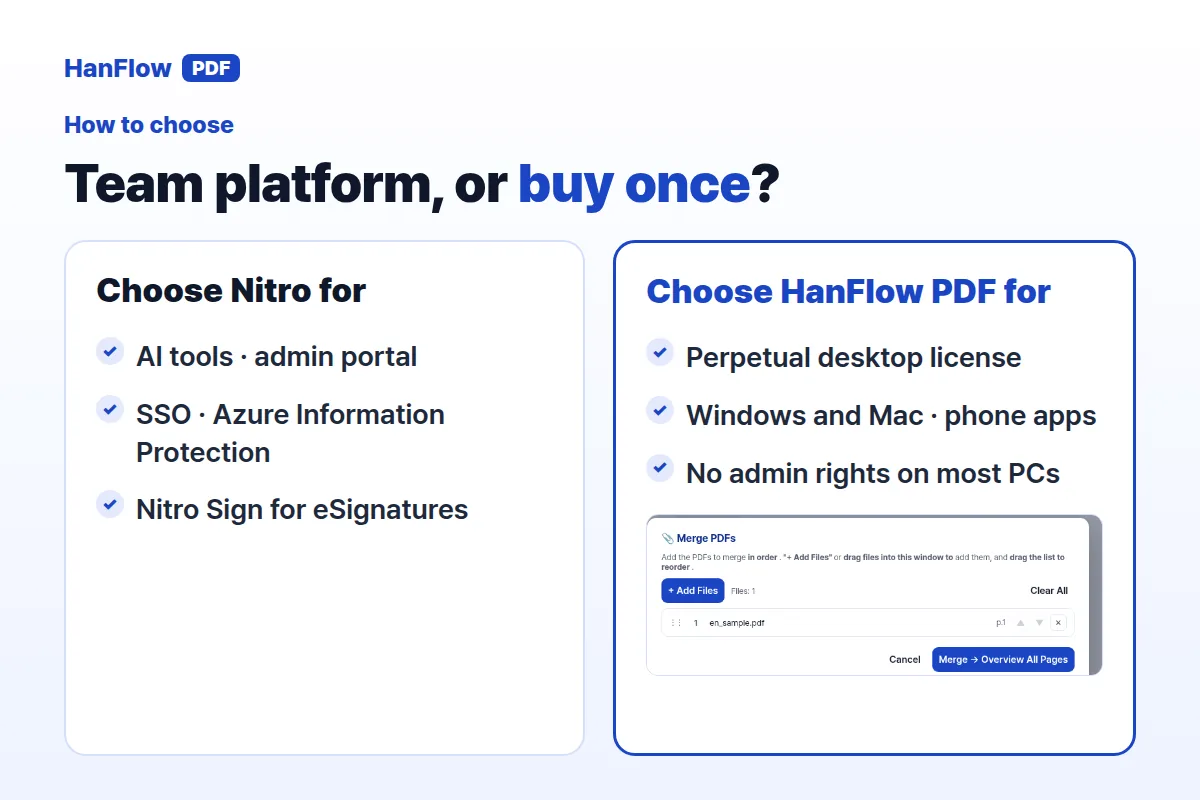
Start with what matters most to your workflow.
Nitro fits well if your team relies on AI-assisted PDF tools, needs SSO or Azure Information Protection, or wants a dedicated eSign product with audit logs and API access. Its admin portal and analytics suit organizations managing many users.
HanFlow PDF makes more sense if you want a perpetual desktop license that covers both Windows and Mac, prefer per-user installation without needing admin rights, or need apps across four platforms. The 26-language interface is useful for multilingual teams.
If a three-year one-time payment on Windows only feels too limiting, and annual subscriptions are not your preference, a perpetual license removes both constraints.
Frequently Asked Questions
Does HanFlow PDF work on mobile?
Yes. There are apps for both iPhone and Android, sold as in-app subscriptions. The perpetual license covers the desktop program for Windows and Mac.
Is Nitro PDF Classic the same as a perpetual license?
Not quite. It is a one-time payment, but it covers three years of use and runs on Windows desktop only. The Nitro pricing page does not list a perpetual license option (Nitro pricing page, checked October 2026).
Can I try HanFlow PDF before buying?
A free trial is available. Visit the pricing page for current plans and pricing.