iLovePDF Alternative With a Free Desktop App
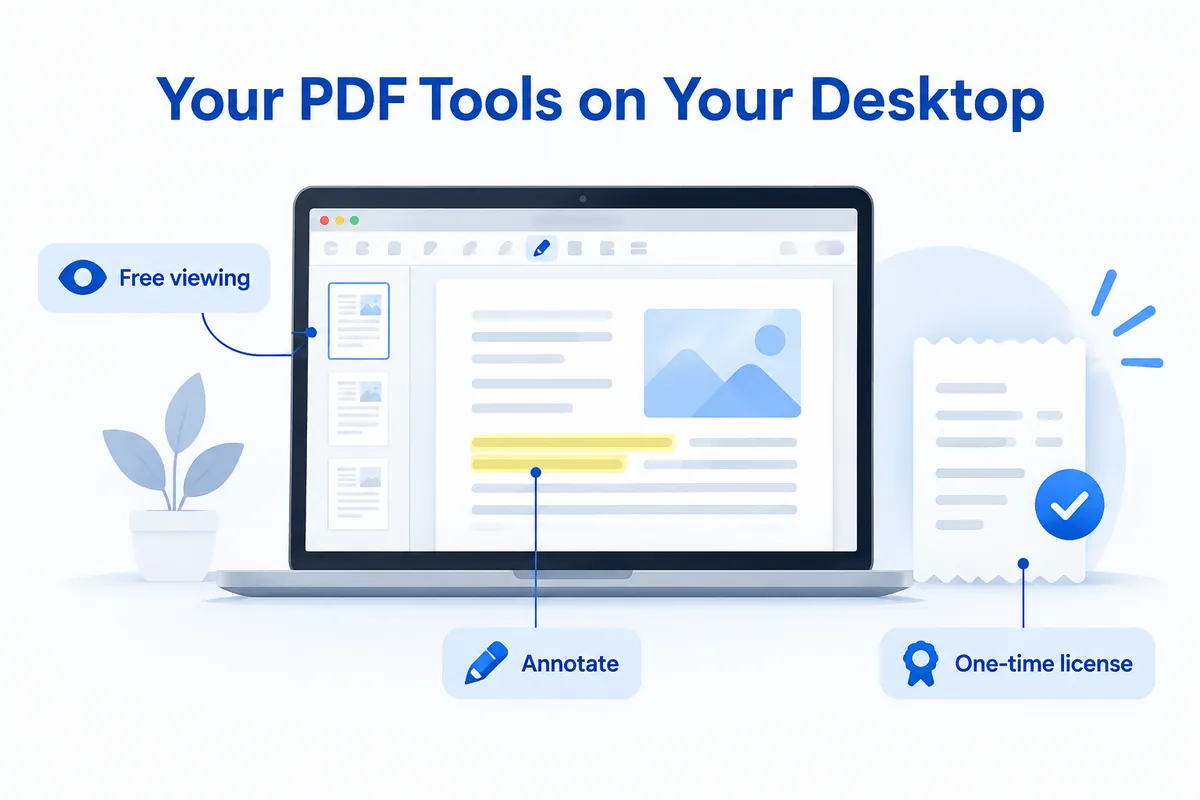
If you want an iLovePDF alternative that includes free desktop tools, look for a PDF editor that doesn't require a subscription to work on your computer. HanFlow PDF is one: its Windows and Mac program lets you view, annotate, manage pages, OCR and merge PDFs for free with no time limit. Editing and converting come with a one-month free trial, and the desktop program can be bought once as a perpetual license.
What iLovePDF offers today
iLovePDF is an online PDF platform with three plans: Basic (free), Premium and Business. The Basic plan gives you access to core tools — merge, compress, split, edit, sign and more — but with limited document processing, per-task caps and file-size restrictions. Premium unlocks unlimited processing, all tools, digital signatures, workflows, AI credits and an ad-free experience. Business uses custom contracts.
iLovePDF does have a desktop app for Mac and Windows, but it is included only in Premium and Business plans, not in Basic. Mobile apps are available for iOS and Android. OCR is available in Basic with limits; Premium includes all OCR conversions. (iLovePDF pricing, checked October 2026.)
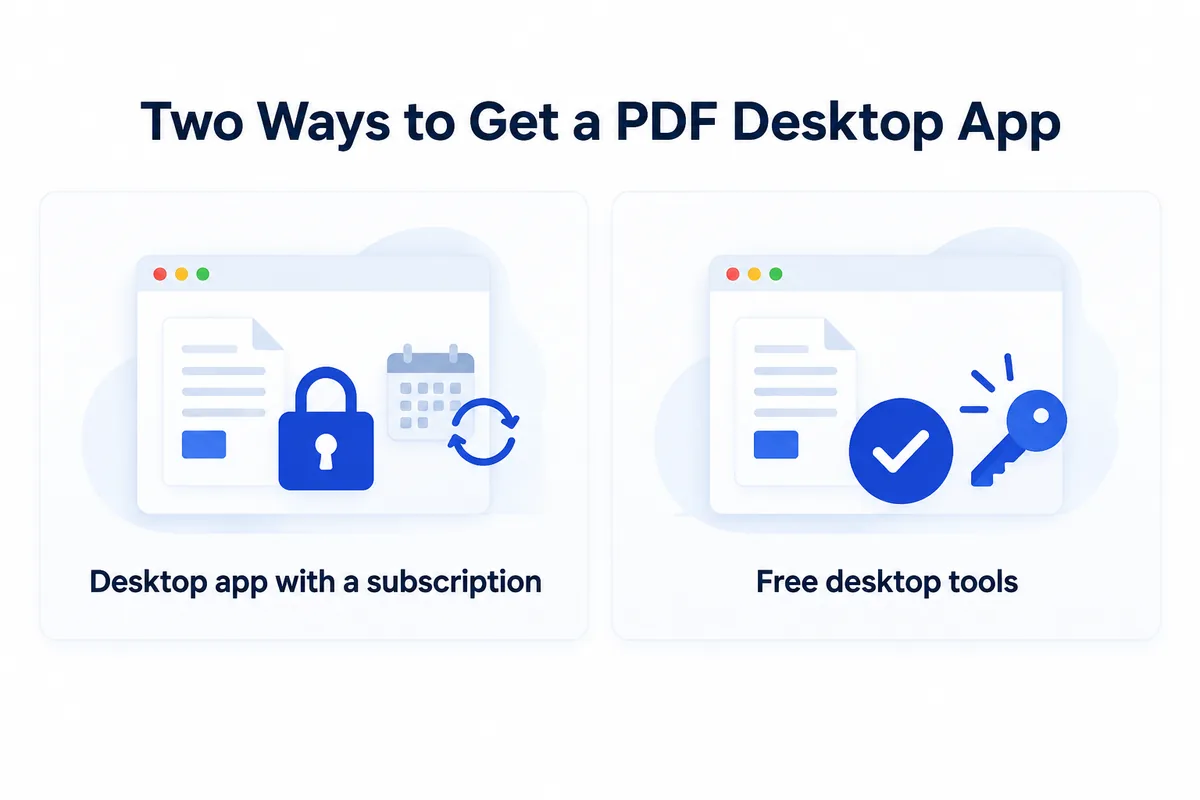
If you want a desktop program with free tools built in — not locked behind a subscription — the question is which alternative provides that.
What HanFlow PDF includes
HanFlow PDF is a PDF program for Windows, Mac, Android and iPhone, plus a web app.
- Edit PDFs: change text and images, and erase parts of a page.
- Convert: PDF to Word and PowerPoint, images to PDF and back, and export pages as images.
- Recognize text (OCR) in scanned PDFs.
- Organize pages: merge, reorder, rotate, add page numbers and watermarks.
- Annotate: highlight, comment and draw with a pen.
On Windows it installs per user, so most PCs need no administrator rights. The interface is available in 26 languages.
Free desktop tools
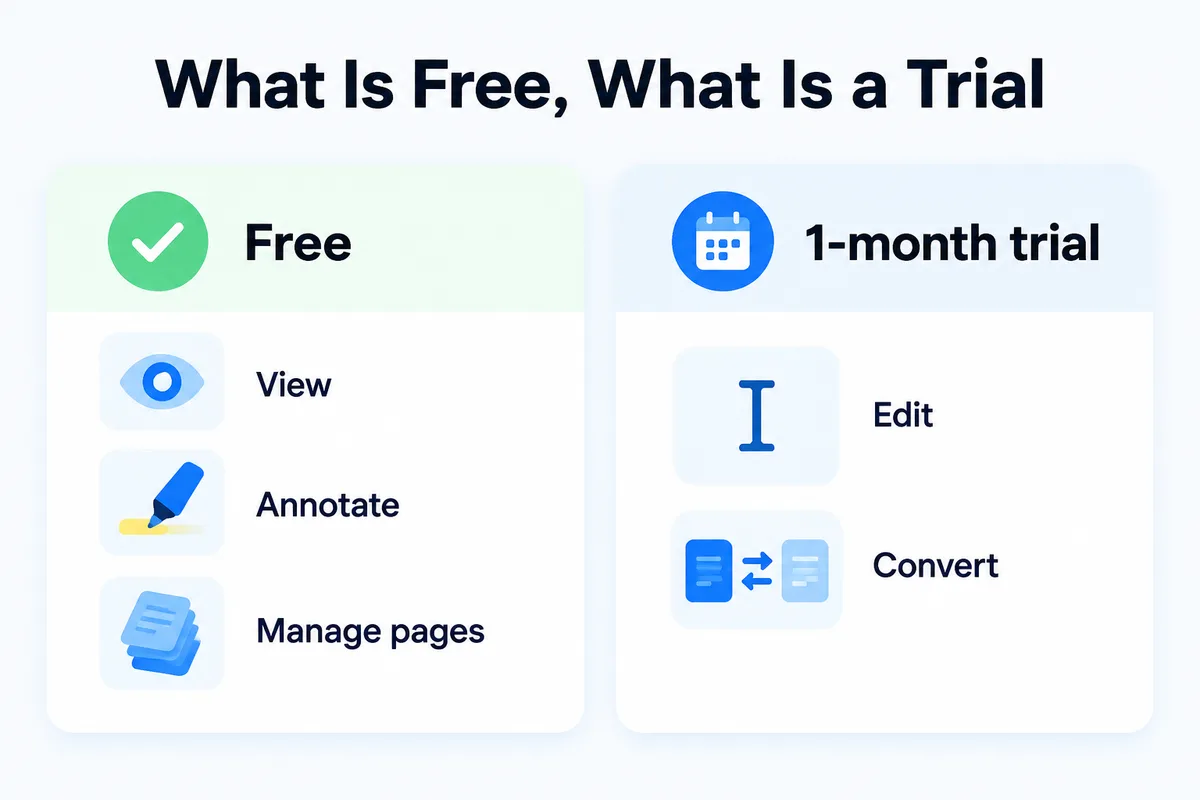
Viewing, annotating, managing pages, OCR and merging are free with no time limit in HanFlow PDF's desktop program. Editing, converting to Word or PowerPoint, and image-to-PDF tools come with a one-month free trial, after which they need a license. For the exact current split, check the pricing page.
Buy once or subscribe
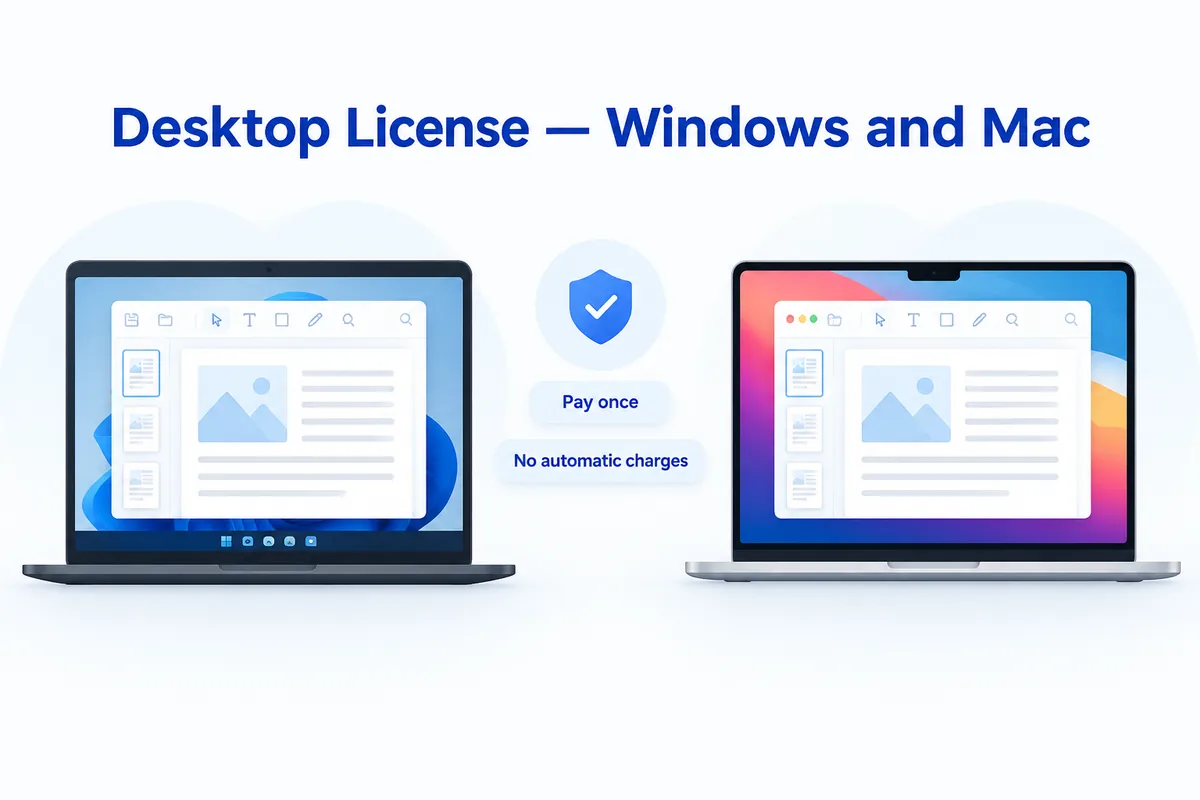
For the Windows and Mac desktop program, HanFlow PDF sells a perpetual license: you pay once and use the version you bought with no time limit, and you are never charged automatically. Monthly and yearly plans are also available. The iPhone and Android apps are sold as in-app subscriptions, so the perpetual license applies to the desktop program only.
See current prices on the pricing page.
How to choose
- Choose iLovePDF if you prefer an online platform with a wide set of web-based tools and want Premium features like workflows, digital signatures and AI credits.
- Choose HanFlow PDF if you want a desktop program with free viewing, annotating and merging, plus the option to buy a perpetual license with no recurring charges.
Frequently Asked Questions
Is there an iLovePDF alternative with free desktop tools?
Yes. HanFlow PDF's Windows and Mac program includes viewing, annotating, page management, OCR and merging for free with no time limit. No subscription is required for those features.
Does iLovePDF's desktop app work on the free plan?
No. iLovePDF's desktop app for Mac and Windows is included in the Premium and Business plans, not in the Basic (free) plan.
Can I buy HanFlow PDF once instead of subscribing?
Yes. HanFlow PDF offers a perpetual license for its Windows and Mac desktop program. You pay once, use the version you bought with no time limit, and are not charged automatically.